Quizzes people want to share.
Trivia with a score, personality tests with a result, product finders with a recommendation. Pictures, logic and confetti included.
1 →
Which city is this?
What you get
Scores that count themselves
Each answer can add or subtract points. The total drives the result people see.
Results that fit
Route to different endings by score or by choice, each with its own message, image or link.
Answers with pictures
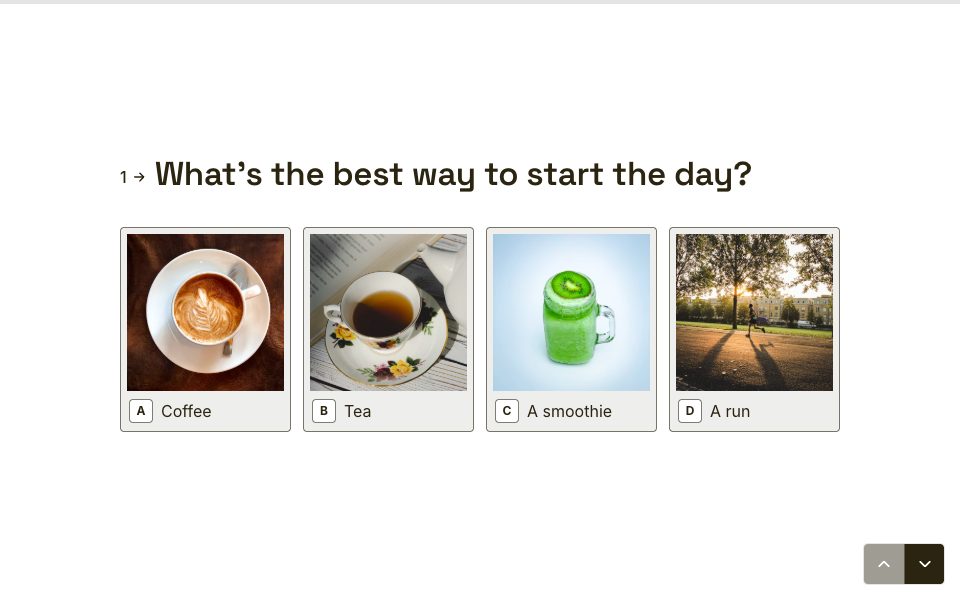
Picture choice questions turn options into tappable photos.
Personal results
Recall their name, score or favourite answer in the ending screen.
Lead magnets
Ask for an email before the result to turn a quiz into a list-builder.
Made for phones
One question at a time, big tap targets and keyboard shortcuts on desktop.
Set it up in three steps
- 1
Start from a quiz template or a blank form.
- 2
Add points to answers and an ending for each result.
- 3
Share the link or embed it, and watch the scores in your results.
Free to start
Every plan includes this, Free too. One active form and 100 responses a month, no card needed.
Compare plansHow to make a scored quiz
- Create a number variable called Score in the Logic tab.
- On each question, add a rule: if the answer is the correct one, add 1 to Score. Worth more? Add 2 or 5.
- Make an ending for each band of results, such as “Expert”, “Getting there” and “Keep learning”.
- On the last question, add rules in order: if Score is at least 8, jump to Expert; if Score is at least 5, jump to Getting there; then a rule with no conditions that jumps to Keep learning.
- Put “You scored {Score} out of 10” on each ending with recall: type @ and pick the variable.
Rules on a screen run from top to bottom, and the first jump that matches wins, so put the highest band first.
How to make a personality quiz
Give each result its own variable, for example Adventurer, Planner and Homebody. On every question, each answer adds 1 to the result it points towards. On the last question, add rules in order, such as “if Adventurer is at least 3, jump to the Adventurer ending”, and finish with a rule that has no conditions, so everyone lands somewhere.
Test every route in the preview before you share it. With five questions and three results, ties happen, so decide which result wins a tie by the order of your rules.
Turn a quiz into a lead magnet
People finish quizzes because they want the result. Put a required email question just before the ending, say plainly what you’ll send and how often, and add a consent checkbox if you’ll market to them. Then route each result to an ending with a next step that fits it: a guide, a product or a booking link. Responses carry the score and the result, so you can follow up with each group differently.
Quiz ideas that work
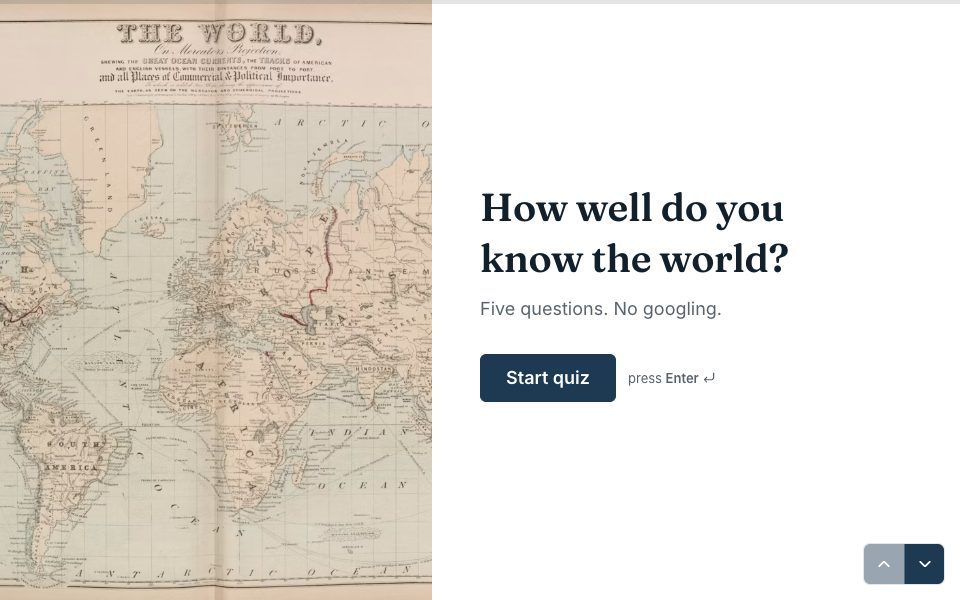
- Trivia nights and classroom checks, with picture choice questions for flags, logos or landmarks.
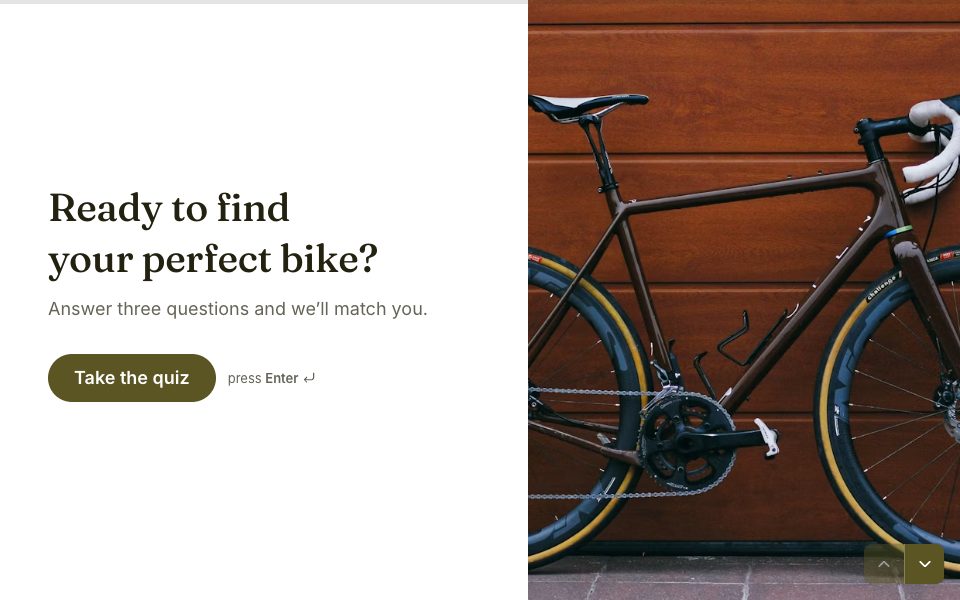
- “Which plan is right for you?” product finders that end on a recommendation.
- Skills self-assessments for courses and onboarding.
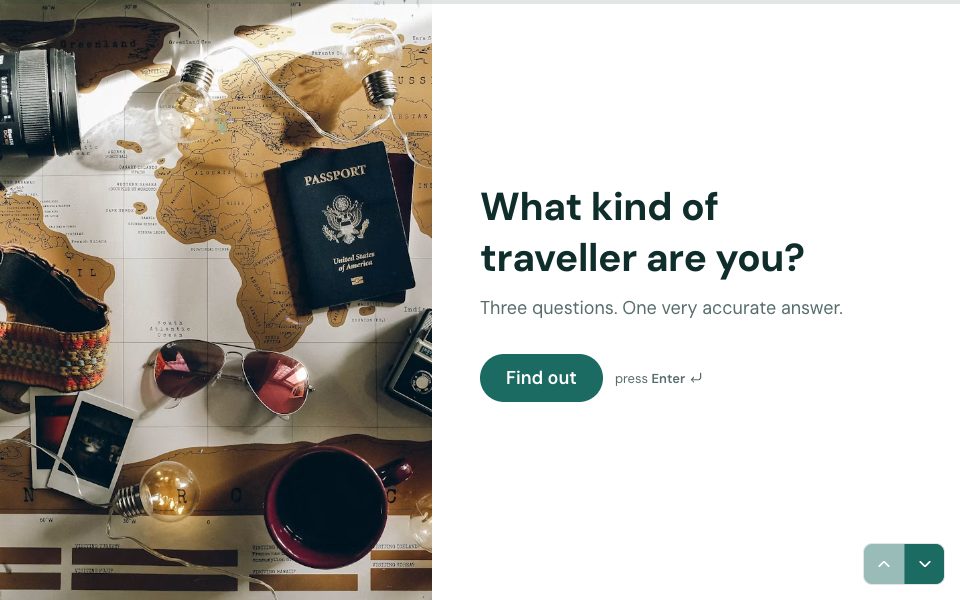
- Personality quizzes for brands, events and newsletters.
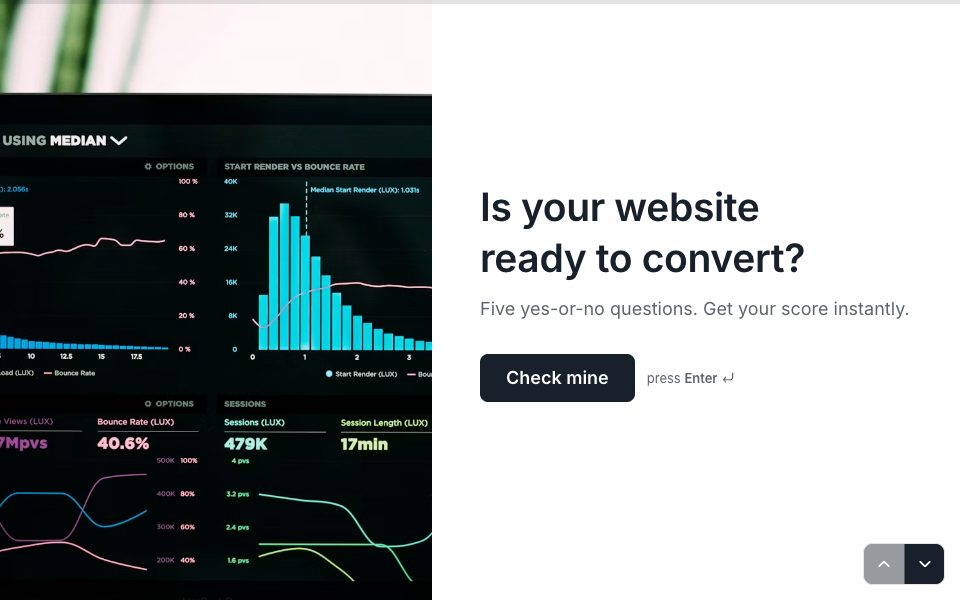
- Readiness checks: “Is your website ready for launch?” with a score and a checklist.
Quizzes, answered
Is the quiz maker free?+
Yes. Scoring, outcomes and picture answers are on the Free plan, which includes one active form and 100 responses a month.
Can I make a personality quiz?+
Yes. Each answer adds to a result’s variable, and rules on the last question send people to a result’s ending once its variable reaches the number you choose, checked in the order you set.
Can I collect emails before showing results?+
Yes. Put an email question before the ending and make it required.
Can I show the score?+
Yes. Recall the score variable in any text, for example “You scored 8 out of 10”.

Try quizzes free.
Every plan includes it. Make your first form in minutes, no card needed.
Start free