Poll maker
Ask the room. Get the answer.
One question, a few choices, a link anyone can open. Results update live, and you can share them back.
1 →
What’s the best way to start the day?
What you get
Text or picture choices
Words, or images people tap.
Single or multiple
One answer, or as many as people like.
Live results
A chart that updates as votes come in.
Show results to voters
Add a See the results button to the ending.
Share anywhere
Link, QR code for a slide, or embedded on your site.
Kiosk mode
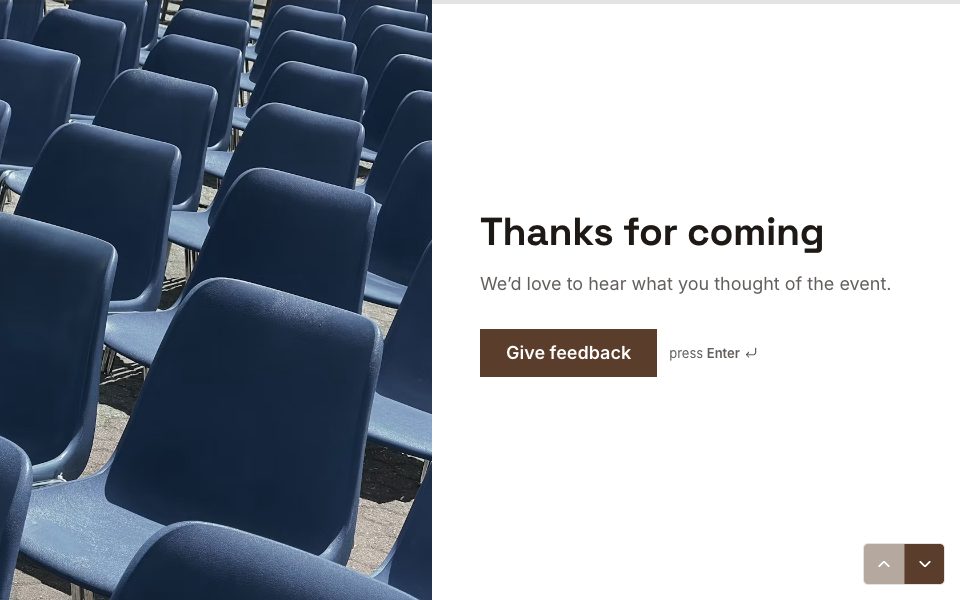
Run it on a tablet at an event; it resets after each vote.
Set it up in three steps
Start from the quick poll template.
Write your question and choices.
Publish and share the link or QR code.
Free to start
Every plan includes this, Free too. 3 active forms and 100 responses a month, no card needed.
Compare plansTemplates to start from
All 48 templates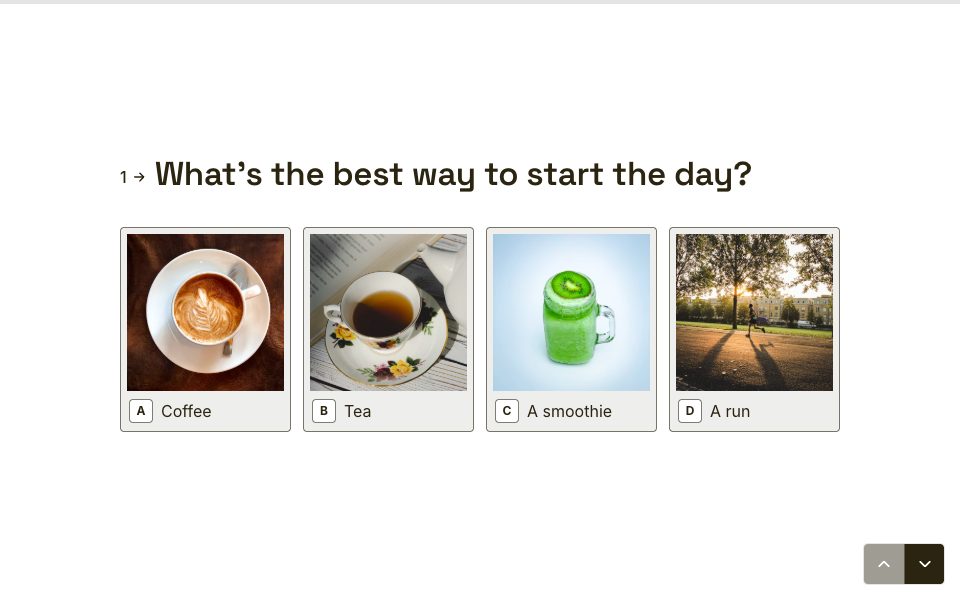
FAQ
Poll maker, answered
Is it free?
Yes. Polls are on the Free plan: 3 active forms and 100 responses a month.
Can people see the results?
Yes. Turn on the report link and add a See the results button to the ending. Written answers never appear in a shared report.
Can I stop people voting twice?
FormsAI doesn’t require sign-in, so a person can open the link again. For one vote per person, send each person a link with their own hidden field, such as an email or id, and check for duplicates in Results.
Can I close the poll at a set time?
Yes. Set Close on in Share → Settings, or a response limit.
Make a poll free.
Every plan includes it. Make your first form in minutes, no card needed.
Start free