Booking forms with real time slots.
Ask your questions and book the appointment in the same flow. Set your hours once, and Forms shows only times that are actually free.
1 →
Which service would you like?
What you get
Your hours, their time zone
You set availability in your zone; respondents see slots in theirs. Daylight saving is handled.
No double bookings
A slot is held while someone finishes the form and confirmed on submit. Abandoned holds expire on their own.
Buffers and notice
Add breathing room between sessions, a minimum notice period, and a limit on how far ahead people can book.
Group sessions
Set a capacity above one for classes, tours and webinars, up to 500 seats a slot.
Details after booking
Show a video link, address or instructions once a time is booked.
Book and pay together
Put a Payment question after the Scheduler to take a deposit or full fee in the same form.
Set it up in three steps
- 1
Add a Scheduler question and set your weekly hours and time zone.
- 2
Choose the session length, buffer, notice period and capacity.
- 3
Publish. Bookings arrive in your results and exports, and on Pro in webhooks.
Free to start
Every plan includes this, Free too. One active form and 100 responses a month, no card needed.
Compare plansWhat is an appointment scheduling form?
An appointment scheduling form asks the questions you need and books the time in the same place. Instead of sending people to a booking tool and then a separate intake form, they answer your questions, pick a free slot, and, if you like, pay a deposit, all in one flow. You get one response with everything in it.
In Forms this is the Scheduler question. You can put it anywhere in a form, combine it with logic (for example, only show it to qualified leads), and follow it with a Payment question.
What you can set
- Weekly hours: choose the days you take bookings and a start and end time for each, such as Monday to Friday, 9:00–17:00.
- Session length from 5 minutes to 8 hours.
- A buffer of up to 4 hours between sessions.
- Minimum notice of up to 30 days, so nobody books you for ten minutes from now.
- How far ahead people can book, up to a year.
- Capacity from 1 to 500 people a slot, for classes, tours and webinars.
- Details shown after booking, like a video-call link, an address or what to bring.
Examples
- Consultations: ask about the project and budget first, then offer times only to people who are a good fit.
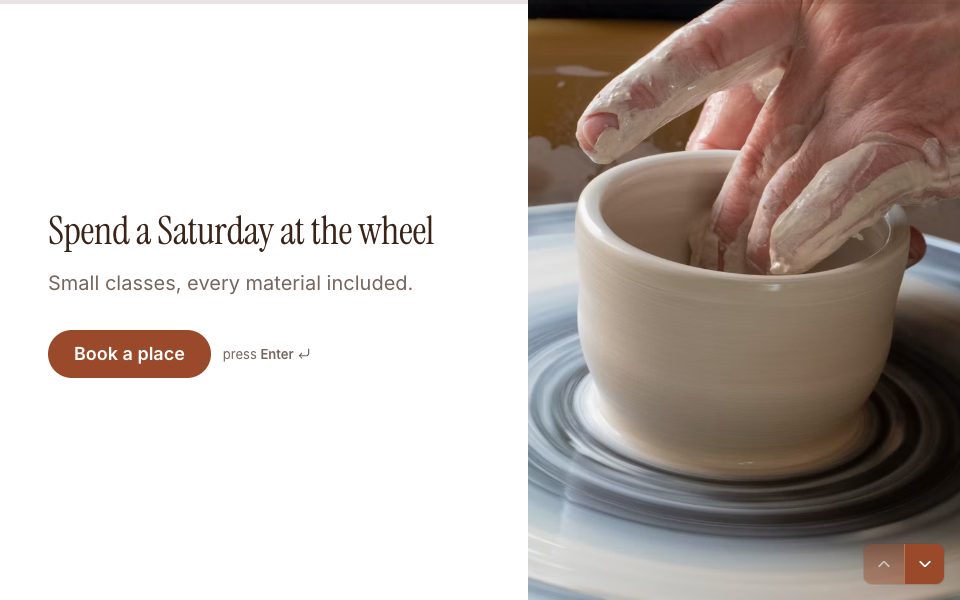
- Classes and workshops: 12 seats a session, a Payment question for the fee, and a dietary question for the lunch.
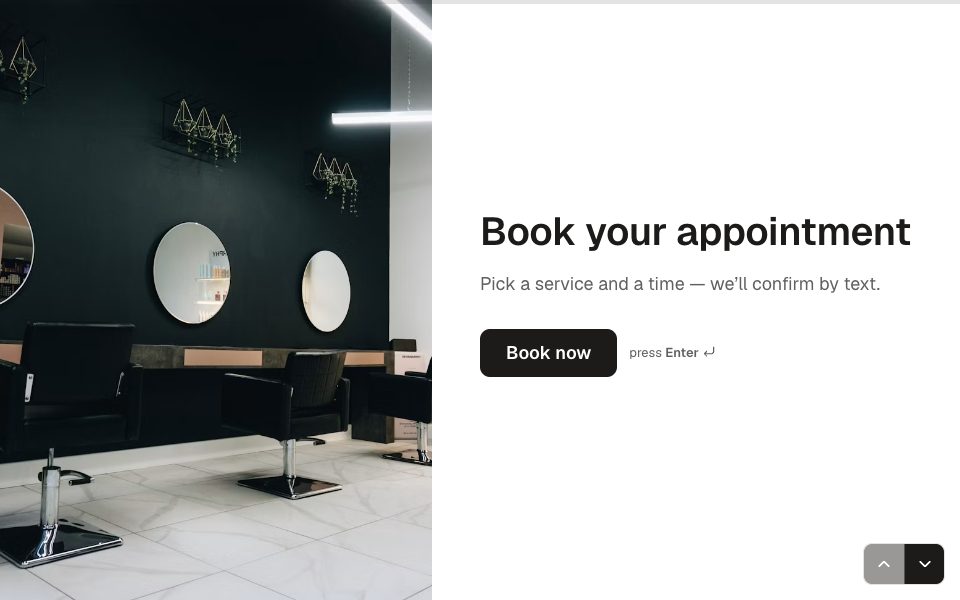
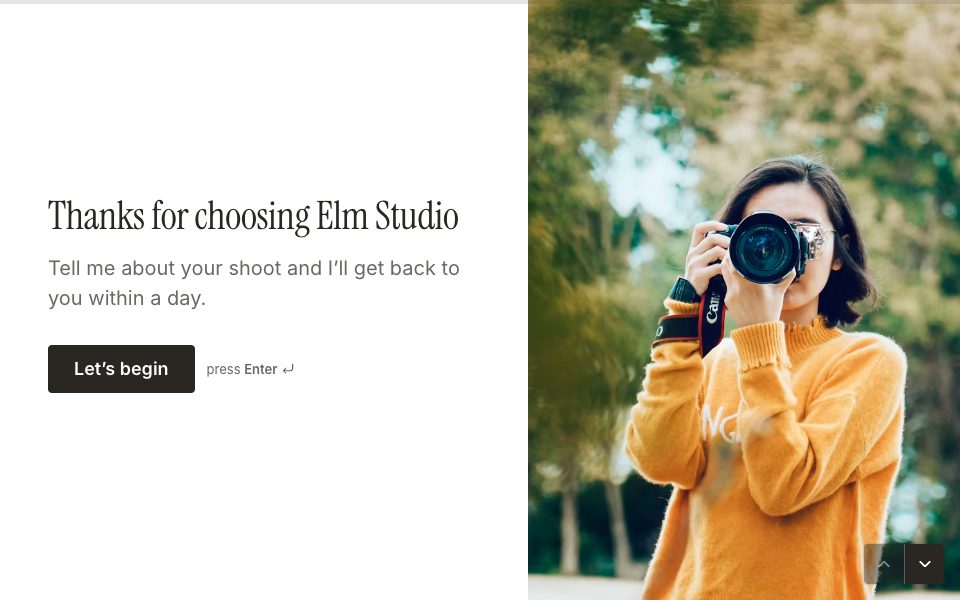
- Photography and beauty bookings: pick the package, book the slot, pay the deposit.
- Property viewings: collect contact details and the property, then book a viewing time.
- Interviews: send candidates one link where they confirm details and pick an interview slot.
A booking form or a dedicated scheduling app?
A Forms booking form is the right fit when the questions matter as much as the time: intake, qualification, payment and booking in one place, on your own brand and domain.
A dedicated scheduling app is the better choice if you need two-way calendar sync, round-robin booking across a team, or automatic rescheduling links. Forms doesn’t sync with Google Calendar directly yet; bookings land in your results and exports, and on Pro you can send each one to your calendar through a webhook with Zapier, Make or n8n.
Appointment booking, answered
Does it sync with Google Calendar?+
Not directly yet. Every booking is in your results and CSV export, and on Pro in webhooks, so you can send it to any calendar through Zapier, Make or n8n.
What if two people pick the same time?+
The first person holds the slot while they finish the form. Anyone else sees it as taken. If they abandon the form, the hold expires and the slot opens again.
Can I take a deposit?+
Yes. Add a Payment question after the Scheduler to charge a deposit or the full price through your own Stripe account.
Is the Scheduler on the Free plan?+
Yes. Every question type, including the Scheduler, is available on every plan.
Can I run group sessions or classes?+
Yes. Set a capacity above one, up to 500 people a slot. The slot stays bookable until it’s full.
Can people book in their own time zone?+
Yes. You set your hours in your time zone, and respondents see the available times converted to theirs.


Try appointment booking free.
Every plan includes it. Make your first form in minutes, no card needed.
Start free