Booking links New
A booking page that knows when you’re busy.
Make booking links, connect your calendar so you’re never double-booked, and share one page where people pick a time.
1 →
Which service would you like?
What you get
Your booking page
One address, such as /book/your-name, lists every public link; each link has its own address too.
Calendar conflicts
Busy times on the Google or Outlook calendars you tick block those slots.
Video links made for you
Google Meet or Microsoft Teams for every booking, or a phone number, an address or any link.
Hours that fit
Weekly hours in your zone, several schedules, and date overrides for holidays.
Limits and buffers
Buffers before and after, minimum notice, how far ahead, start times and a daily cap.
Move, cancel, try again
Reschedule or cancel from Bookings; guests get an updated invite.
Set it up in three steps
Open Calendars in the FormsAI app: three starter links are ready.
Connect Google Calendar or Outlook and choose where bookings go.
Copy your booking page link and share it.
Free to start
Every plan includes this, Free too. 3 active forms and 100 responses a month, no card needed.
Compare plansWhat makes a time bookable
A time shows on a link only if it’s inside the link’s hours, after the minimum notice and within how far ahead people can book, free of your other bookings and their buffers, free on the calendars you check for conflicts, and under the link’s daily limit. If a calendar can’t be checked, links that use it show no times rather than risk a double booking.
Calendars versus Calendly and Cal.com
For one person’s meetings, booking links in FormsAI cover what most people use a scheduling app for: event types with their own length and hours, availability with overrides, calendar sync, video links, buffers, notice and limits, and guests who can reschedule. Calendly and Cal.com go further on team scheduling today, such as round-robin across several hosts.
Templates to start from
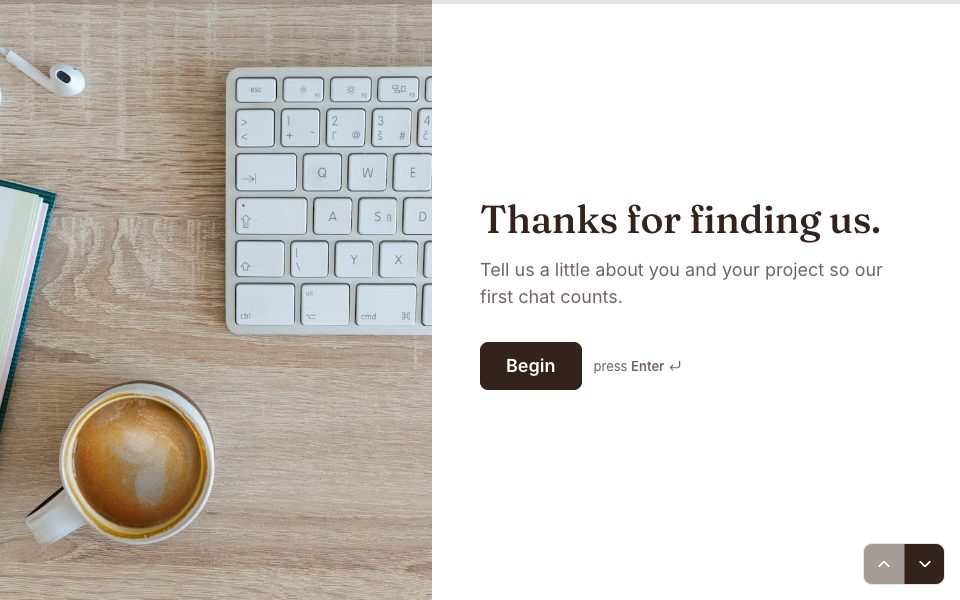
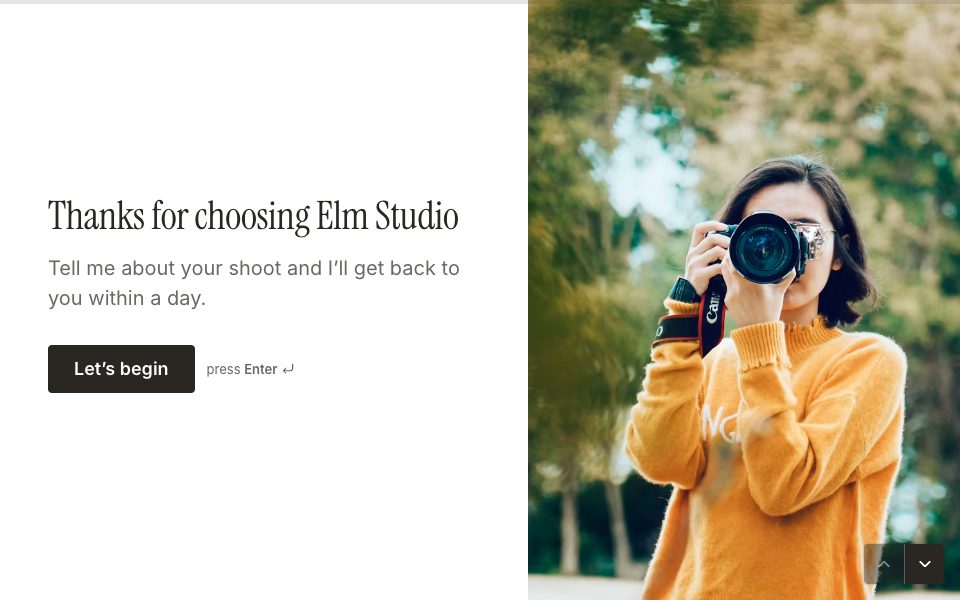
All 48 templates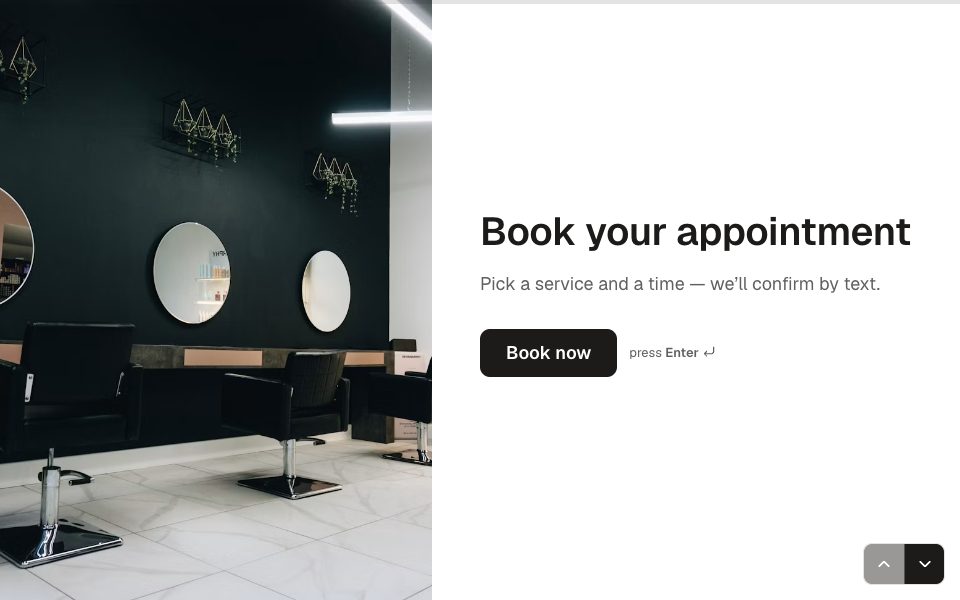
FAQ
Booking links, answered
Is it really free?
Yes. The Free plan includes three booking links and one connected calendar, with every video app. Pro is unlimited under the fair use policy, with up to six calendars.
Can two people book the same time?
No. A time is held the moment someone picks it, and only one booking can take it, across all your links.
What do guests see?
A month calendar with the day’s times in their own time zone, a short form for their name, email and notes, and a confirmation with the join link and add-to-calendar links.
Booking link or Scheduler question?
Use a booking link for calls with your calendar and video links. Use a Scheduler question when the booking is part of a longer form, such as a paid class or an application.
More features
- Results & Smart Insights
- Custom domains
- AI form builder
- Payments
- Appointment booking
- Conditional logic
- Quizzes
- Google Sheets
- File uploads
- Embeds
- Webhooks & integrations
- 25 question types
- Design & themes
- E-signatures
- Video & audio answers
- Form languages
- Save & resume
- Password-protected forms
- Close dates & limits
- Hidden fields & UTM
- Spam protection
- Insights dashboard
- AI follow-up questions
- Kiosk mode
- Teams
- REST API
- Email alerts & notifications
- Confirmation emails
- Calculations
Try booking links free.
Every plan includes it. Make your first form in minutes, no card needed.
Start free