Answers in. Findings out.
Every response lands in a table you can filter, tag and export, a summary you can share, and, on Pro, an analysis that tells you what people meant.
1 →
How likely are you to recommend us to a friend or colleague?
What you get
Filters that combine
“Plan is Pro” and “rating at least 4” and “tagged hot lead”, together, in the table, the summary and every export.
NPS done properly
Promoters, passives and detractors with counts and percentages, and how your score moves week by week.
Share a live report
One link to charts that update as answers arrive. Private until you switch it on; written answers stay private.
Excel, CSV, JSON, PDF
Download everything, just the filtered responses, or only the rows you’ve selected.
Themes and sentiment
Smart Insights read written answers and group them into topics, with the quotes that show each one. (Pro)
Differences that matter
“Local regulars scored 175% higher than tourists”, measured with effect sizes, not guessed. (Pro)
Set it up in three steps
- 1
Open Results on any form.
- 2
Filter, tag and save the view you need.
- 3
Share the report or download it, and let Smart Insights point out what changed.
Free to start
Every plan includes this, Free too. One active form and 100 responses a month, no card needed.
Compare plansHow to analyse survey results
- Start with the summary: a chart for every question, averages and NPS, so you see the overall picture first.
- Check performance: views, starts, completion rate and the screen where people drop off. A big drop on one question usually means it’s too hard, too personal or unclear.
- Filter to a group, for example customers on one plan or everyone who rated 3 or lower, and the summary and exports follow the filter.
- Read the written answers last, with Smart Insights grouping them into themes so you aren’t reading 400 comments one by one.
- Save the views you return to, and share a live report with the people who need it.
How NPS is calculated
Net Promoter Score comes from one question: how likely are you to recommend us, from 0 to 10? Answers of 9 or 10 are promoters, 7 or 8 are passives, and 0 to 6 are detractors. NPS is the percentage of promoters minus the percentage of detractors, so 60% promoters and 15% detractors gives an NPS of +45. Forms shows the three groups, the score, and how it moves week by week.
Analysing open-ended answers with AI
Smart Insights read the written answers to a question and group them into themes, each with a short summary, a sentiment and quotes that show it. The quotes are picked from real answers, never rewritten, so every quote is something a respondent actually wrote. Contact details like names and emails are never sent for analysis, nothing is used to train AI models, and you can switch AI analysis off in Settings. Smart Insights are part of Forms Pro.
Comparing groups without guessing
When you want to know whether two groups really answered differently, say first-time and returning customers, Forms measures the gap with an effect size called Cohen’s d: the difference between the two averages, in units of how spread out the answers are. As a rule of thumb, about 0.2 is a small difference, 0.5 a medium one and 0.8 a large one. The numbers are calculated, not written by AI; the AI only puts them into words.
Keeping results clean
- Spam is filtered into its own tab instead of mixing with real answers.
- Test responses you generate while building are marked as tests and never counted.
- Tags let you mark responses as handled, hot leads or anything else, and filter by them later.
Templates to start from
All 48 templates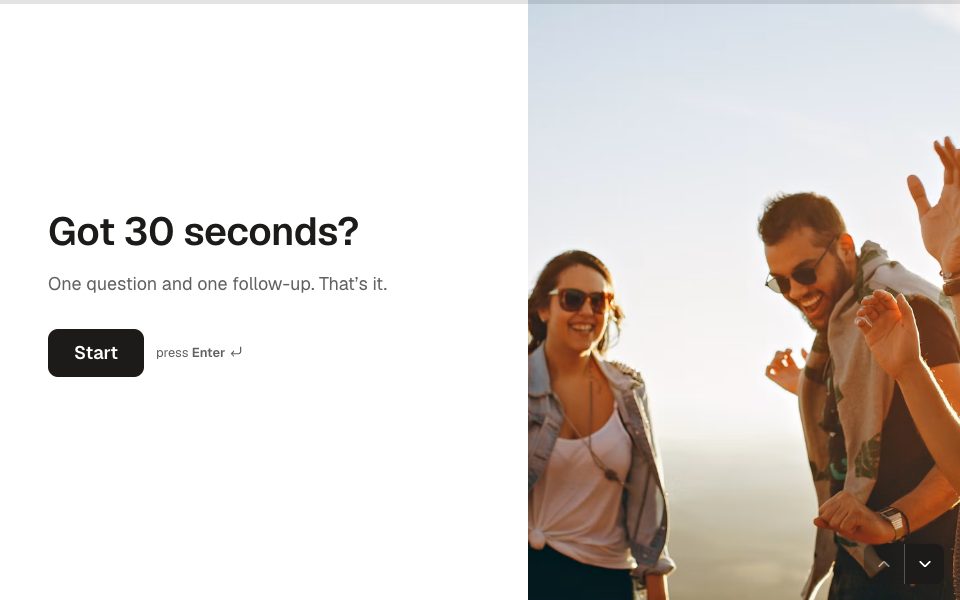
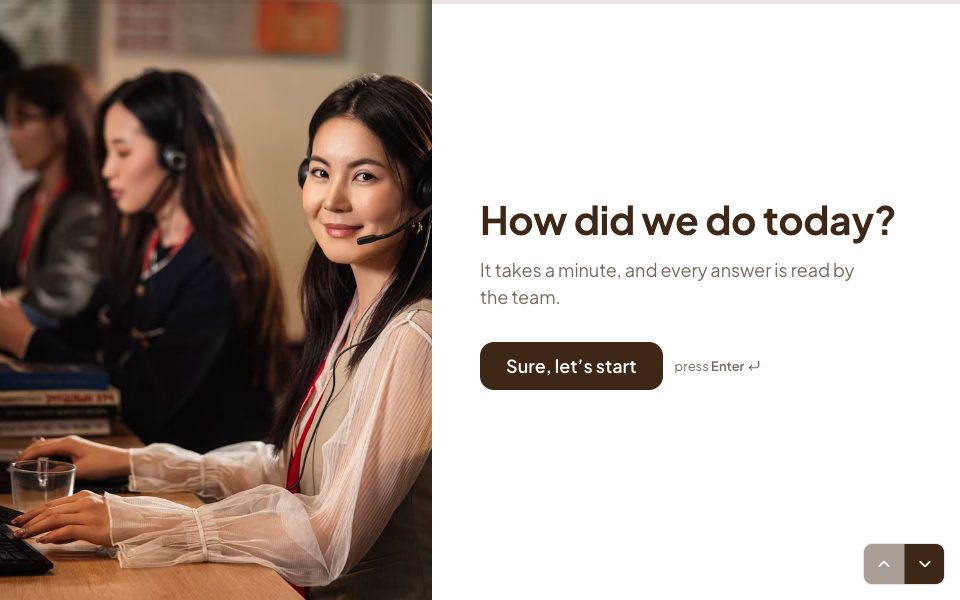
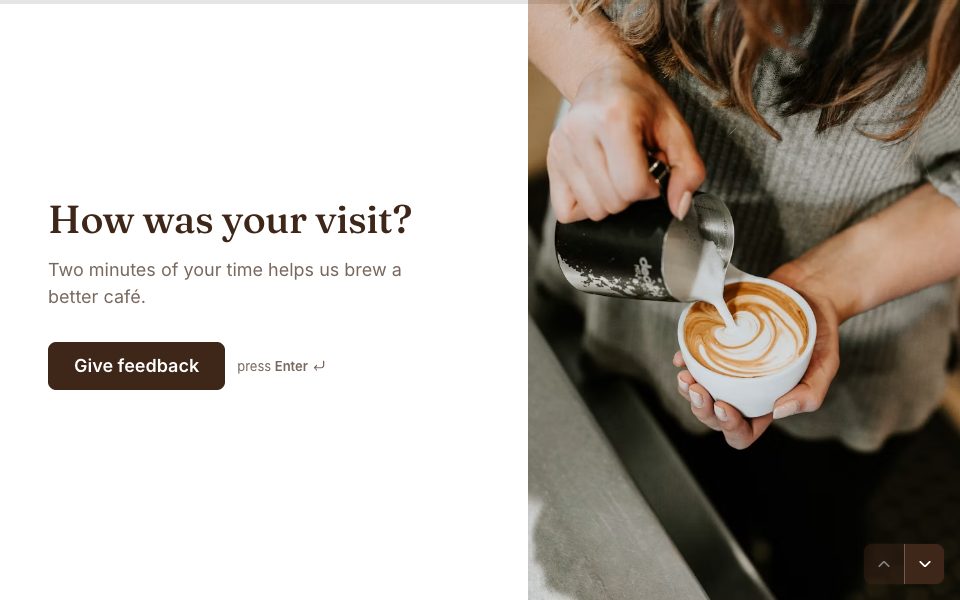
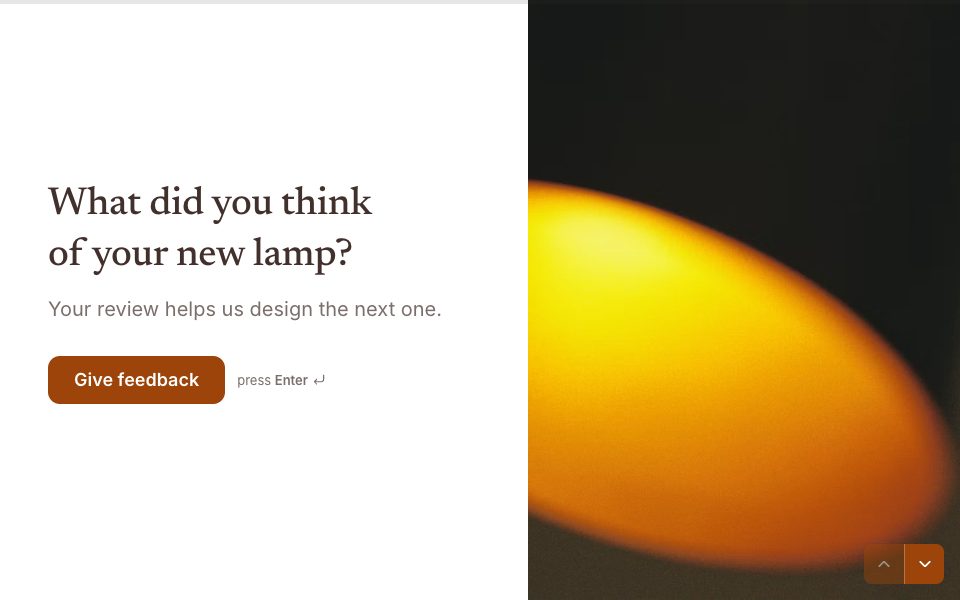

Results & Smart Insights, answered
Can I filter responses by answer?+
Yes. Combine conditions like “is any of”, “is at least”, “contains” or “is answered” across questions, tags, endings, devices, hidden fields and score. The same filters apply to the summary and to exports.
Can I share results with my team or respondents?+
Yes. Turn on the report link to share live charts. You can add a “See the results” button to your form’s ending so respondents see them too. Written answers never appear in a shared report.
Does AI analysis cost extra?+
No. Smart Insights, Ask AI and transcripts are included in Forms Pro, within the fair use limits. You can switch AI analysis off at any time.
Is my response data used to train AI?+
No. Requests are sent with storage off and aren’t used for training. Contact details like names and emails are never analysed.


Try results & smart insights free.
Every plan includes it. Make your first form in minutes, no card needed.
Start free