Describe it. Get the form.
Type what you need, or attach a photo of a paper form. AI writes the questions, adds logic and payments, picks a look, and you watch it take shape.
1 →
Overall, how would you rate your visit?
What you get
Watch it build
Questions appear one by one as the AI writes them, then your form opens in the builder.
From a photo
Attach a photo of a paper form or a screenshot, and AI recreates it as a real form.
Logic included
Follow-ups by rating, routing by answer and quiz scores are written as real rules you can edit.
Edit by asking
“Make it friendlier”, “add a budget question”, “translate into French”. You see what changed, with one-click undo.
Never breaks your form
Everything the AI writes is checked against the builder’s own rules before it’s applied.
Your data stays yours
Nothing you send is used to train AI models. Building a form never sends respondents’ answers; analysing results only does when you ask, and you can switch it off.
Set it up in three steps
- 1
Go Pro and open Home.
- 2
Describe your form, or attach a photo of one, and press Enter.
- 3
Watch it build, then fine-tune it with Ask AI in the builder.
Free to start
Build and test on the Free plan, then go Pro when you’re ready to switch it on.
Compare plansPrompts that build good forms
Say who the form is for, what you need to learn and anything special it should do. The more you say, the less you edit afterwards.
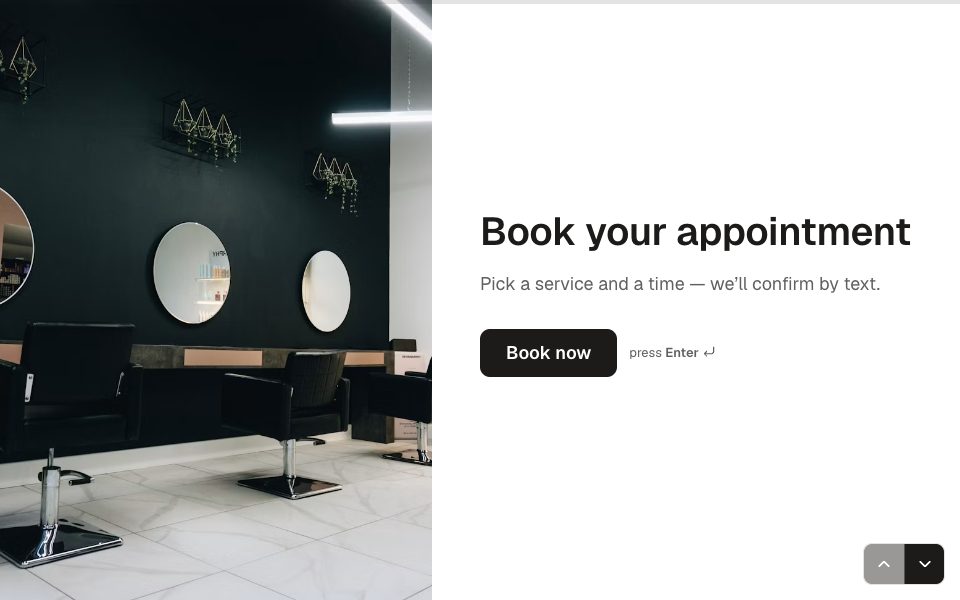
- “A booking form for a dog-grooming salon: pet name, breed, size, service, a 60-minute appointment slot, and a $20 deposit.”
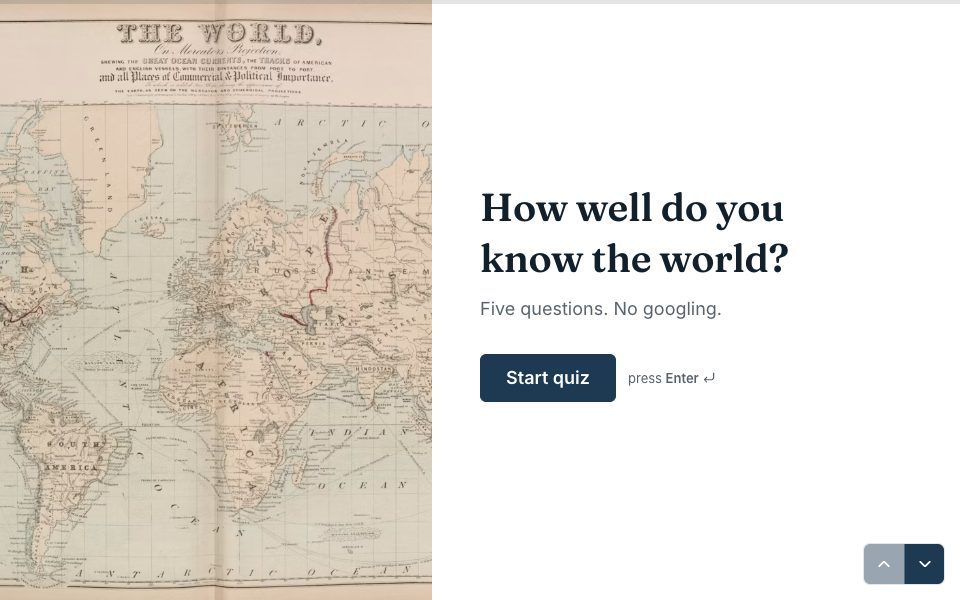
- “A 10-question pub quiz about European capitals with picture answers, a score and three result endings.”
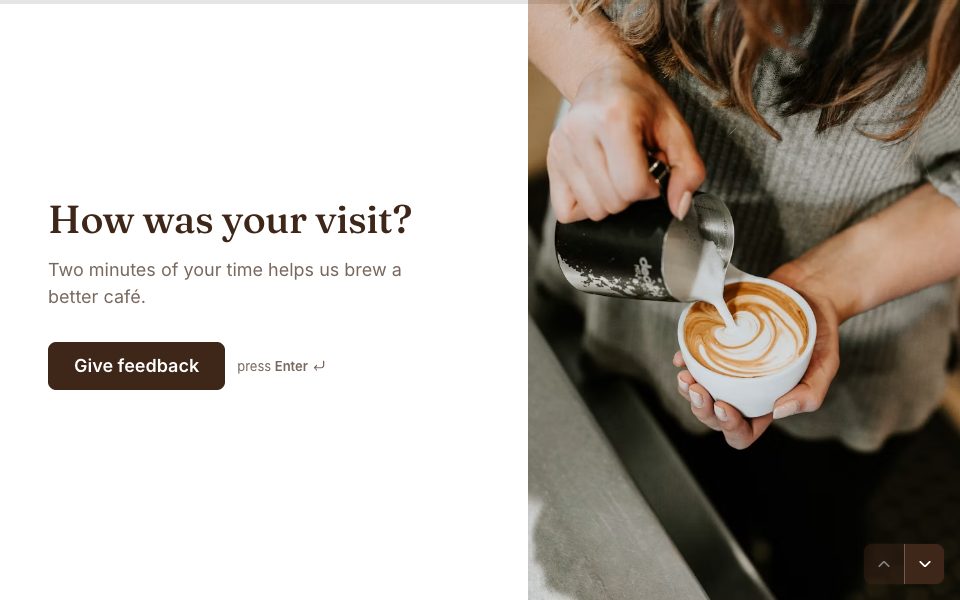
- “A customer feedback survey for a café. Rate the visit, and if it’s 3 or lower ask what went wrong.”
- “A job application for a junior designer with CV and portfolio upload and a short video introduction.”
- “An event RSVP with dietary needs and a plus-one, in a warm autumn theme.”
Turn a paper form into an online form
Take a photo of a paper form, or a screenshot of a PDF or another tool, and attach it to your request. The AI reads the fields and rebuilds them as real questions of the right types, with choices filled in. Check the result against the original, then publish. It’s the fastest way to move an old intake sheet, registration form or checklist online.
Edit by asking
- “Make the tone friendlier and shorten every question.”
- “Add a budget question after the project type, with four ranges.”
- “Translate the whole form into Spanish.”
- “Only ask about delivery if they chose ‘Delivery’.”
- “Split the address into its own screen and make phone optional.”
You see what changed, and every AI edit can be undone in one click.
What the AI does and doesn’t do
The AI drafts and edits forms; you stay in charge of what’s published. Everything it writes is checked against the same rules as the builder, so it can’t produce a broken form, and nothing goes live until you publish. When it builds or edits, it sees only your form and your instructions, never your responses, and nothing you send is used to train AI models. Forms Pro includes 100 AI builds and 500 AI edits a month, reset on the 1st.



AI form builder, answered
Is the AI form builder included in Pro?+
Yes. Pro ($19 a month) includes 100 AI form builds and 500 AI edits a month. AI isn’t available on the Free plan.
Which AI model does Forms use?+
OpenAI’s GPT-6 Luna, with GPT-6.1 Sol stepping in when a form needs extra care.
Does the AI see my responses?+
Not when it builds or edits a form: then it only sees the form and your instructions. If you use Smart Insights or Ask AI on your results, it reads the relevant answers (never contact details like names and emails) to write the analysis. You can turn AI analysis off in Settings.
Can the AI break my form?+
No. Every change is validated before it’s applied, and you can undo any AI edit in one click.
What happens if I reach the monthly limit?+
AI limits reset on the 1st of each month. If you need more, write to us and we’ll raise them.


Get AI form builder with Pro.
Pro is $19 a month: unlimited forms and responses, webhooks, and your own domain with HTTPS included.
Get Pro