Online form builder
The online form builder people enjoy answering.
Build a form in minutes, show it one question at a time, and get every answer in a table, a chart and your inbox.
1 →
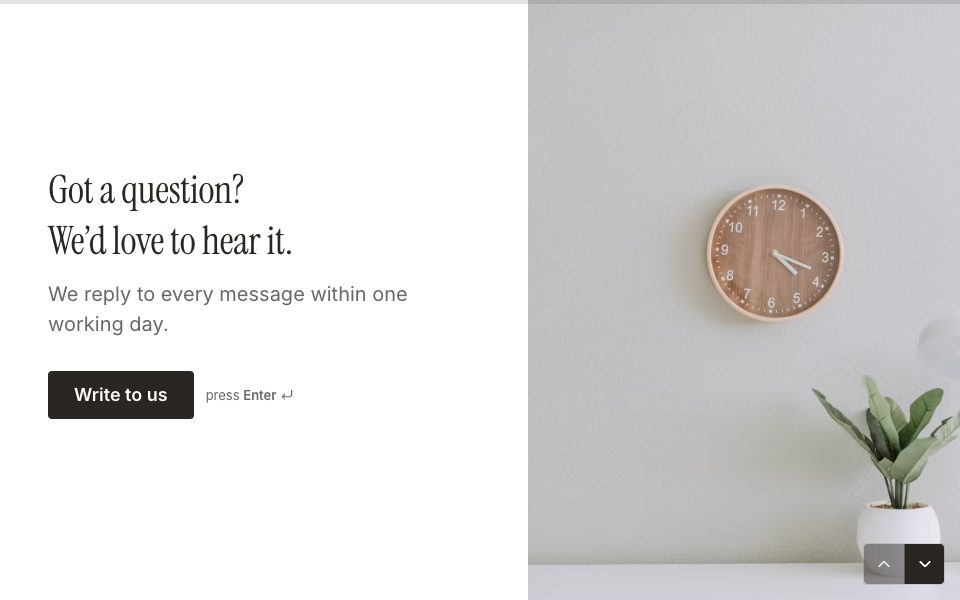
Thanks for reaching out. What’s your message about?
What you get
25 question types
Text, email, phone, choices, pictures, ratings, NPS, matrix, dates, uploads, signatures, payments and bookings.
Logic without code
Jump, show, hide and score from any answer, and recall earlier answers in later questions.
Your brand
12 themes, 11 fonts, your colours and photos, and no forced FormsAI badge on any plan.
Payments and bookings
Take a Stripe payment or book a time inside the form, with no fee from FormsAI.
Share anywhere
A link, a QR code, an embed on your site, or your own domain on Pro.
Results built in
A table, charts, filters, exports to Excel and CSV, and Google Sheets on every plan.
Set it up in three steps
Pick a template or start with a blank form.
Add your questions, logic and theme.
Publish and share the link, QR code or embed.
Free to start
Every plan includes this, Free too. 3 active forms and 100 responses a month, no card needed.
Compare plansWhat to look for in an online form builder
- How it feels to answer. Open the form on your phone: a form people finish is worth more than a form with more features.
- What the free plan really includes. Check the response limit, and whether payments, logic and your branding need a paid plan.
- What happens when a form takes off. Some tools charge by the response; a plan without a counter costs the same in a busy month.
- Where the answers go. Look for exports, Google Sheets and the apps you already use.
- Whose name is on it. A badge you can remove and a link on your own domain make a form look like yours.



FAQ
Online form builder, answered
Is the form builder free?
Yes. The Free plan is free forever: 3 active forms and 100 responses a month, with every question type, logic, themes, payments and embeds. No card needed.
Do I need to code?
No. You build by adding questions and choosing options. Embedding on a website is a copy-and-paste snippet.
Do people need an account to fill in my form?
No. A form opens in any browser from its link, with nothing to install or sign in to.
Can I put a form on my own website?
Yes. Embed it inline, as a popup, a slide-in panel or a side tab on WordPress, Webflow, Squarespace, Wix, Shopify, Framer or any site that accepts HTML.
What does Pro add?
Unlimited forms and responses under fair use, two custom domains, the AI form builder and Smart Insights, three teammates, 18 connected apps, webhooks and the API, for $12/mo billed yearly.
Build your first form free.
Every plan includes it. Make your first form in minutes, no card needed.
Start free