Feedback forms
Feedback you can act on.
Ratings for the numbers, open questions for the reasons, and results that group what people said into themes.
1 →
Overall, how would you rate your visit?
What you get
Numbers and reasons
Ratings, opinion scales and NPS, then why.
Logic for low scores
Ask what went wrong only when it went wrong.
Better open answers
Filo asks one follow-up when an answer is vague. (Pro)
Themes, not a wall of text
Smart Insights group the reasons with real quotes. (Pro)
Kiosk mode
Feedback on a tablet at the counter or the exit.
Alerts
An email, or a Slack post on Pro, for each response.
Set it up in three steps
Pick a feedback template.
Add a follow-up question for low scores.
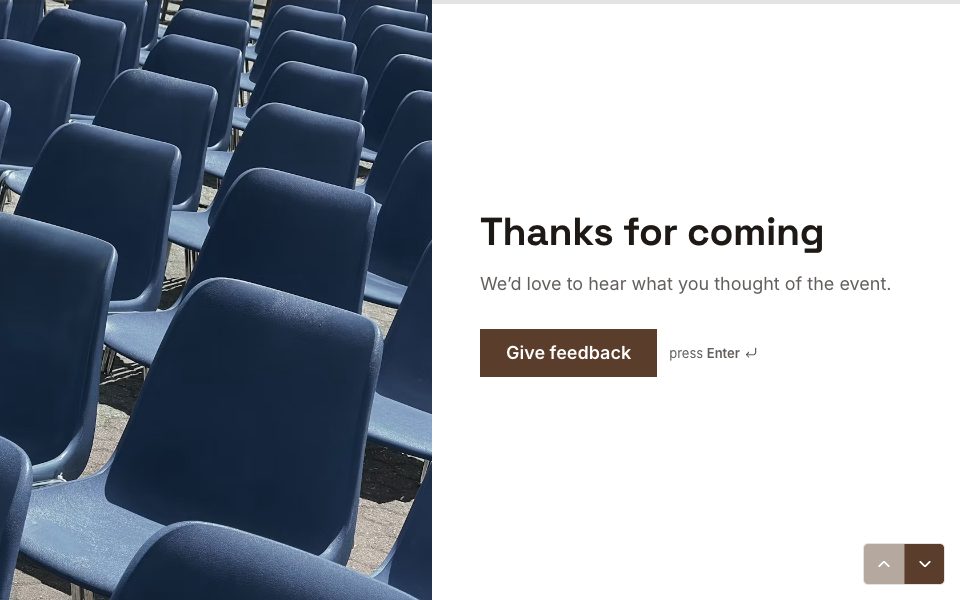
Share it after the purchase, the event or the course.
Free to start
Every plan includes this, Free too. 3 active forms and 100 responses a month, no card needed.
Compare plans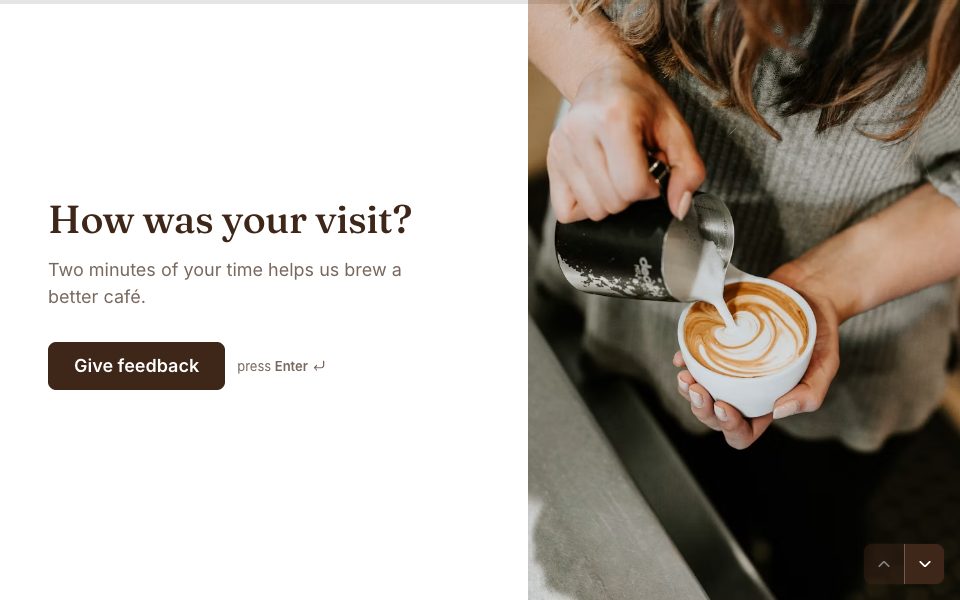


FAQ
Feedback forms, answered
What should a feedback form ask?
One overall score, one or two specifics you can change, and one open question about why. Keep it under a minute.
Can it ask different questions for unhappy customers?
Yes. Add a rule on the rating that shows a follow-up only when it’s low.
Can I collect feedback at a counter?
Yes. Kiosk mode runs the form on a tablet and resets after each person.
Is it free?
Yes. AI follow-ups and Smart Insights are on Pro.
Make your feedback form free.
Every plan includes it. Make your first form in minutes, no card needed.
Start free