Forms for education that students actually finish
Course evaluations, quizzes, sign-ups and parent forms, one question at a time, so they’re quick on any phone.
In short
Forms helps schools, tutors and course creators run course evaluations, scored quizzes with results, workshop and event sign-ups, and volunteer or parent forms. One question at a time works well on phones, logic skips irrelevant sections, and results show charts per question or export to Google Sheets.
Sound familiar?
End-of-course surveys with a 20% completion rate
Sign-ups spread across emails and paper slips
Quizzes that need marking by hand
How Forms helps
Students rarely finish long surveys. Showing one question at a time, with a progress bar and keyboard shortcuts, makes an evaluation feel like two minutes, and logic means a student who missed a module never sees questions about it.
Quizzes score themselves: every answer can add points and the total decides the result screen. Workshops and open days take sign-ups with session capacity, and everything lands in one place.
Forms you’ll build
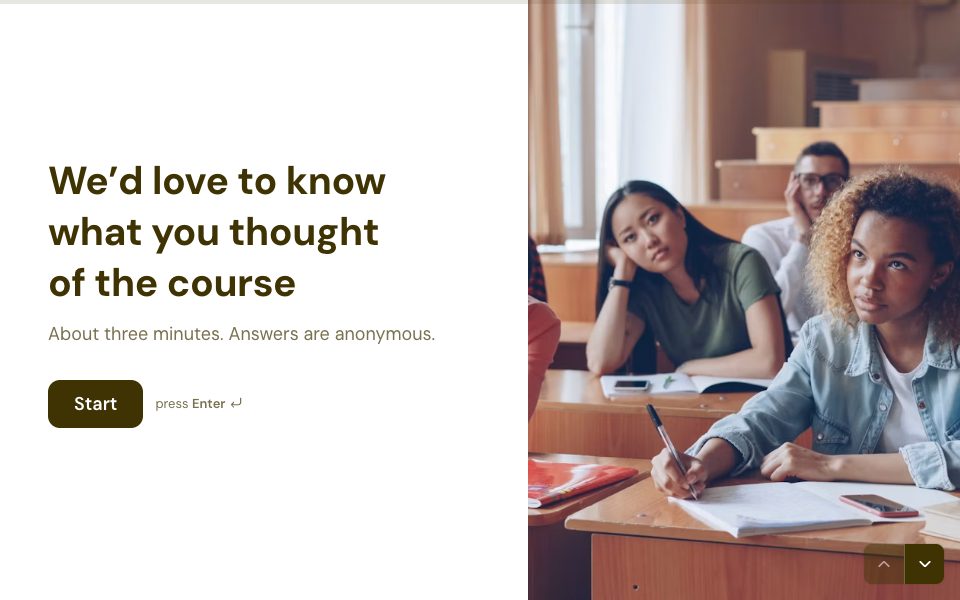
Course evaluation
Specific, comparable feedback per module.
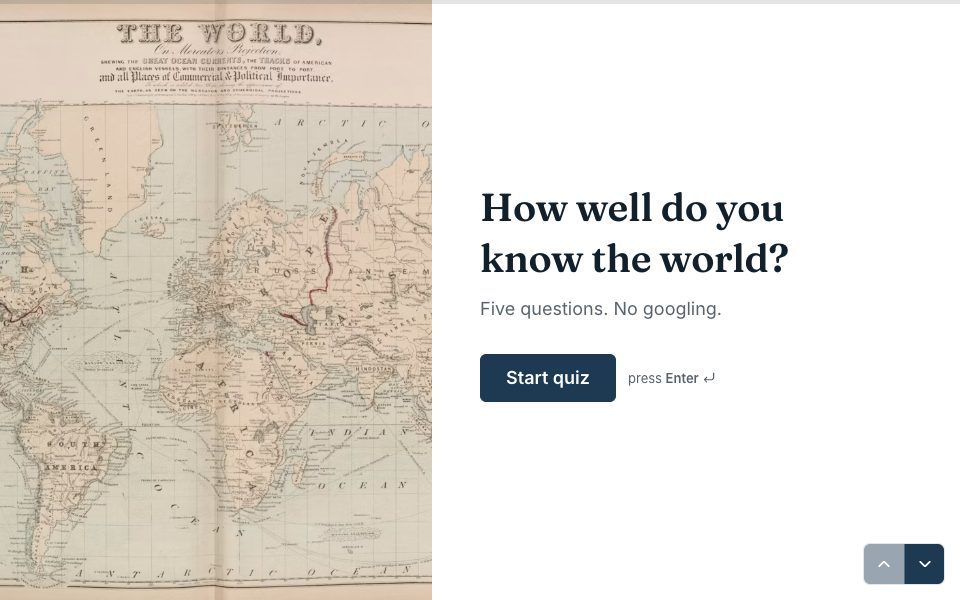
Scored quizzes
Points per answer and a personal result.
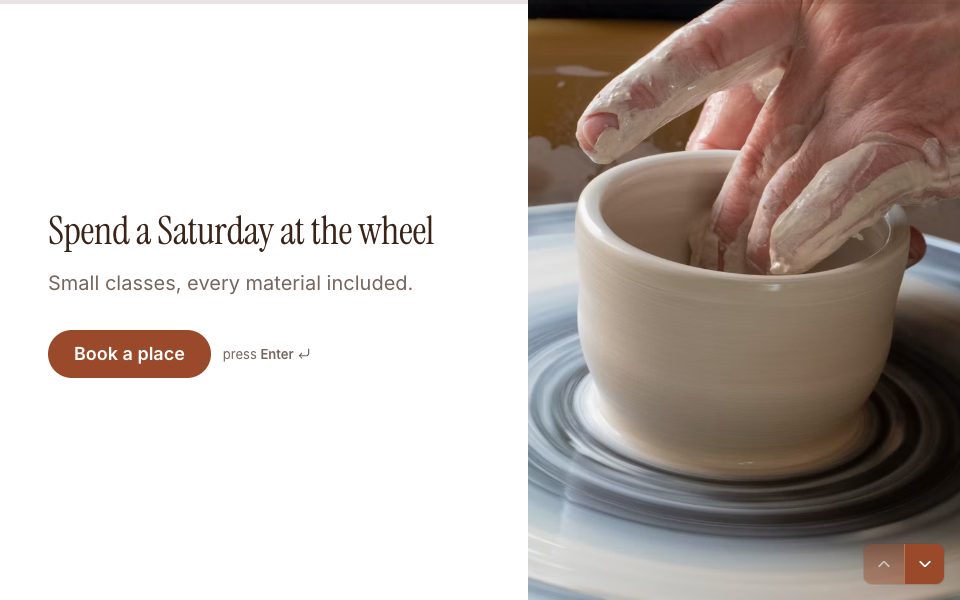
Workshop sign-up
Sessions, levels and capacity.
Event registration
Open days, talks and parent evenings.
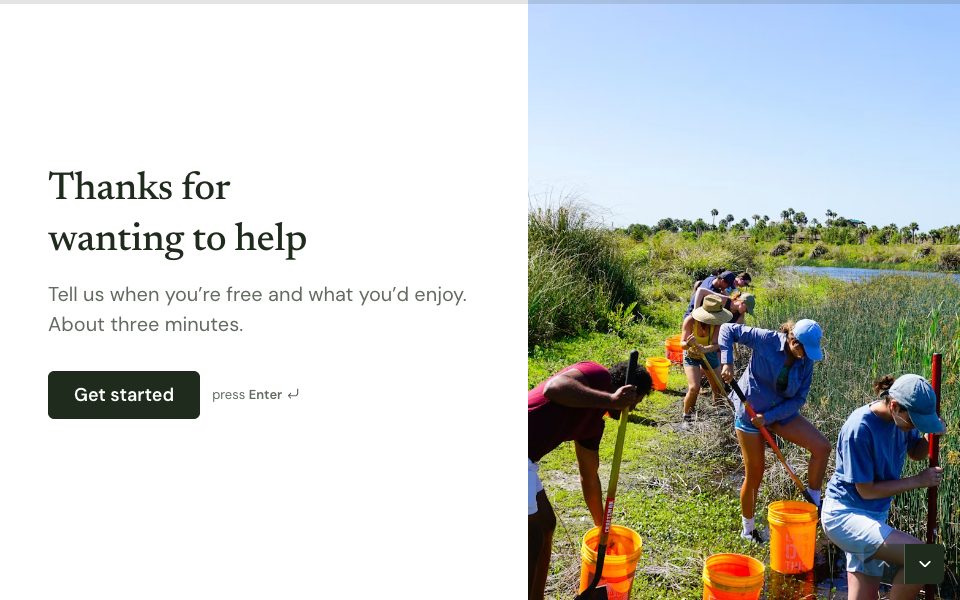
Volunteer sign-up
Availability and interests for helpers.
Student pulse
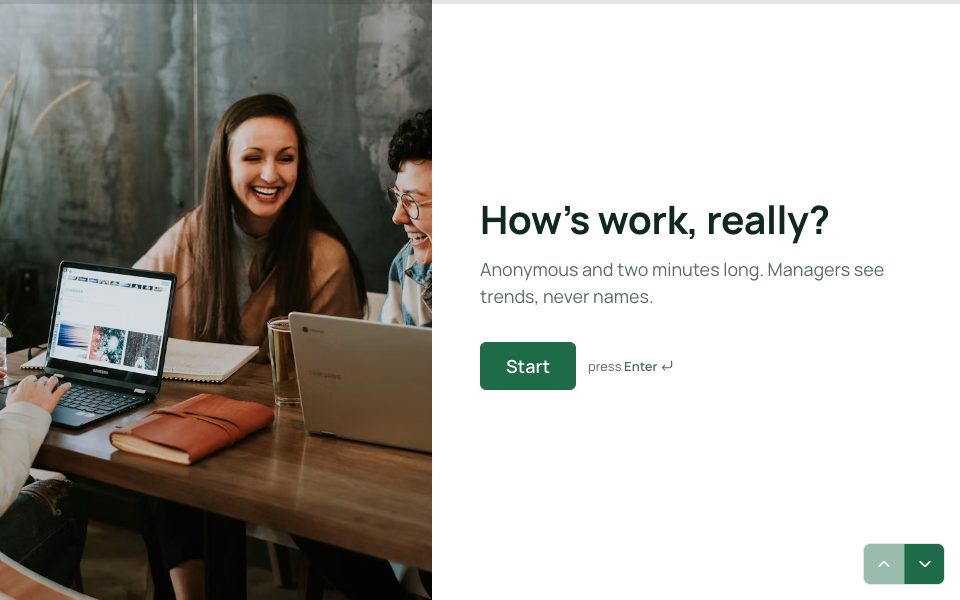
A quick anonymous check-in.

Forms every school and course runs on
- Quizzes that mark themselves, with a score and a personal result screen.
- Course and module evaluations that ask the same questions every term, so you can compare.
- Workshop, club and open-day sign-ups with a limited number of places per session.
- Parent and student consent forms with a full Legal question and an explicit accept.
- Volunteer and helper sign-ups with availability.
- Quick anonymous check-ins on how students are doing.
Make a self-marking quiz in ten minutes
Create a Score variable, then on each question add a rule that adds a point for the right answer. Add an ending for each band, such as “Mastered”, “Nearly there” and “Let’s revise”, and route students on the last question by their score, checked from the highest band down. Show each student their score on the ending with recall: type @ and pick Score. Picture choice questions work well for maps, diagrams and flags.
Honest feedback from students
Students answer honestly when they believe it’s anonymous, so make it so. Forms stores no IP addresses and sets no tracking cookies on public forms. Leave out name and email questions, say at the top that the form is anonymous, and keep it short: a rating, one open question about what helped and one about what to change. Smart Insights on Pro can then group the written answers into themes across a whole year group.
Sign-ups with a cap on places
For sessions with limited seats, use a Scheduler question with a capacity, up to 500 people a slot. Each session stays bookable until it’s full, and nobody is double-booked. For a simple pick-one list of options, a multiple choice question with logic works too, and every sign-up can sync to a Google Sheet the whole team can see.
Forms for schools & education, answered
Can quizzes mark themselves?+
Yes. Answers add points to a score, and logic sends each student to a result screen based on their total.
Can students answer anonymously?+
Yes. Forms stores no IP addresses and no tracking cookies on public forms; leave out name and email questions.
Can results go to Google Sheets?+
Yes. Connect any form and every response appends as a row within seconds.
Is there a discount for schools?+
The Free plan covers one active form and 100 responses a month. For more, Pro is $19 a month with unlimited forms and responses.


Your first schools & education form, live today.
Start from a template, make it yours, and share it in minutes. Free to start, no card needed.
Start free