Forms for HR teams that candidates respect
Applications that screen fairly, references in minutes, and internal requests that don’t get lost.
In short
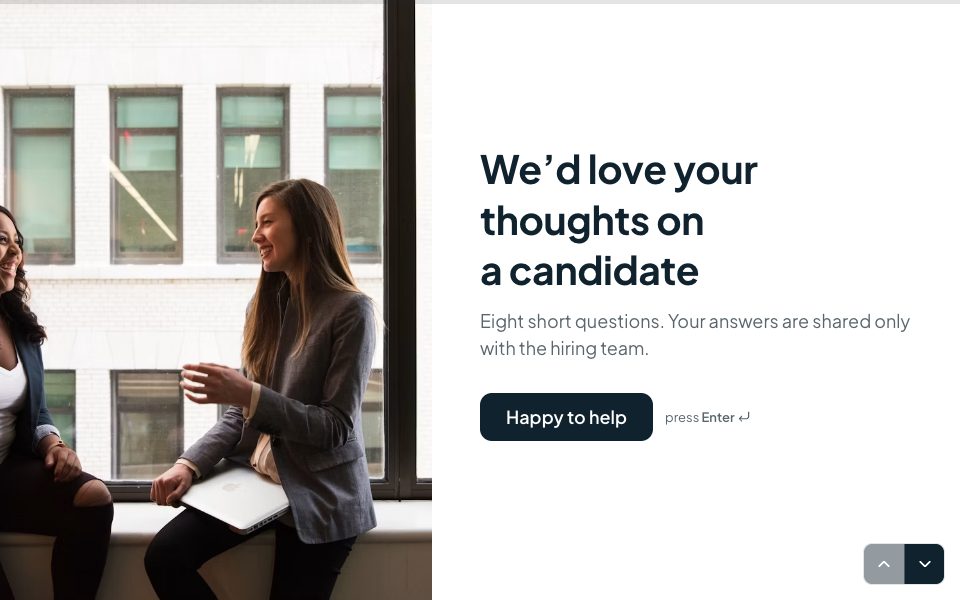
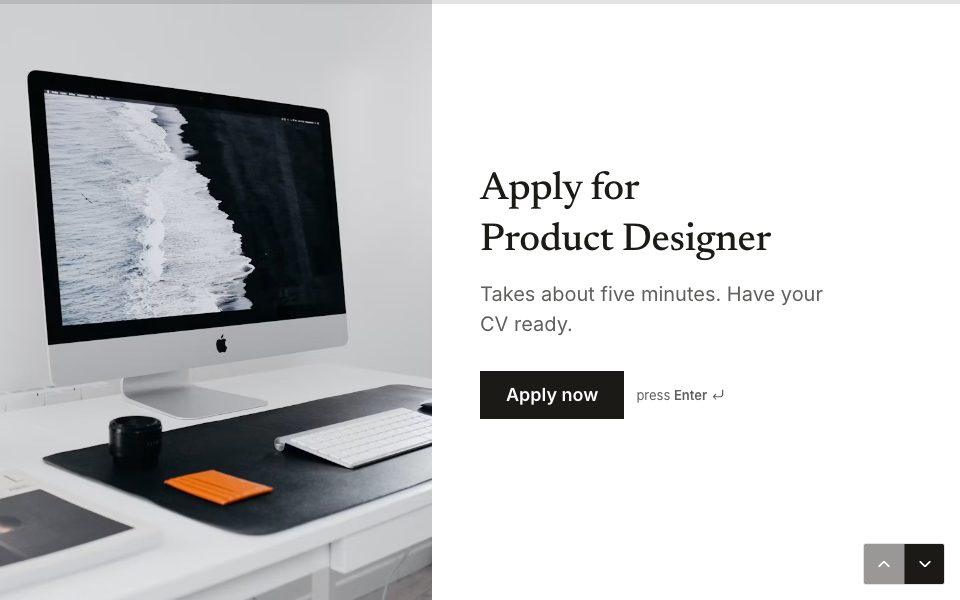
Forms helps HR and recruiting teams run job applications with screening questions, CV upload and consent, engineering applications, structured reference requests, job requisitions and performance reviews. Video & audio questions record short introductions, and responses sync to Google Sheets, or on Pro to your ATS through webhooks.
Sound familiar?
Application forms candidates abandon halfway
Reference checks stuck in phone tag
Hiring requests approved in a DM and forgotten
How Forms helps
Candidates judge you by your form. Forms keeps it respectful: one question at a time, screening up front, and logic that ends politely when a hard requirement isn’t met, so nobody writes a cover letter for a role they can’t take.
Internally, requisitions and reviews become structured, comparable data instead of free-text emails, ready for your sheet or ATS.
Forms you’ll build
Job application
Screening, CV upload and consent.
Engineering application
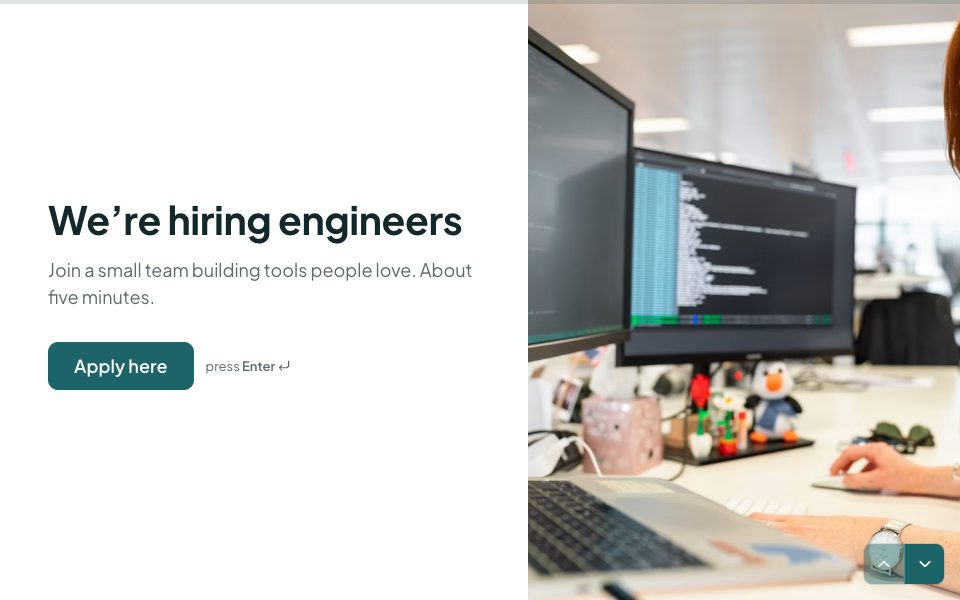
Respect engineers’ time, ask what matters.
Reference request
Structured references, no phone tag.
Job requisition
A five-minute hiring request.
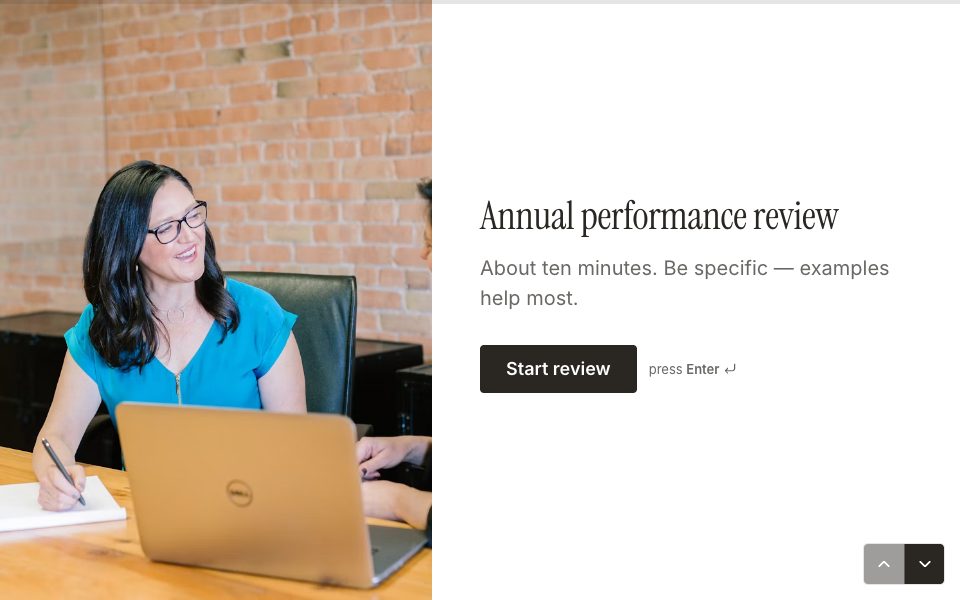
Performance review
Reviews that tell you something.
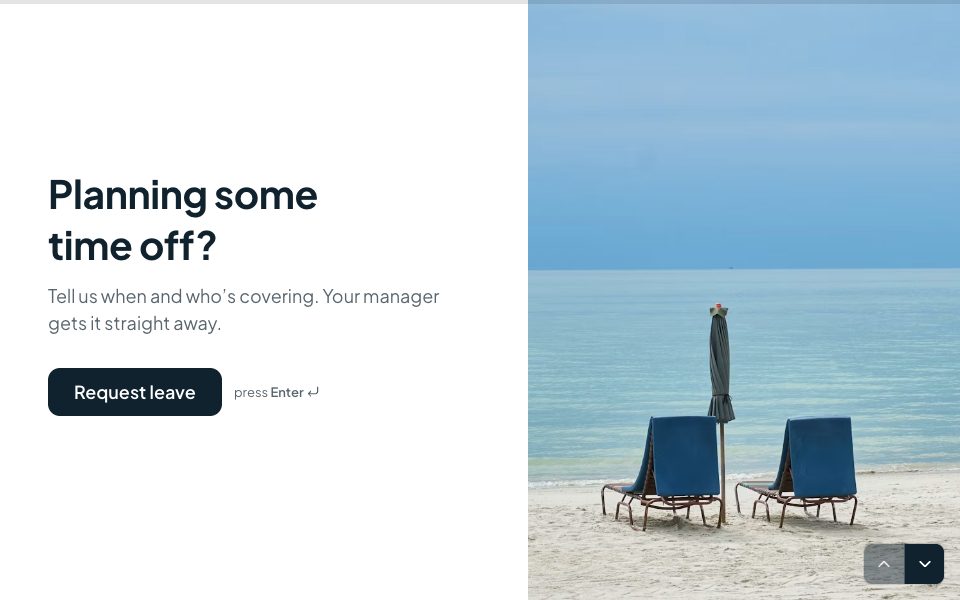
Time-off request
Dates, type of leave and cover.
What to ask on a job application form
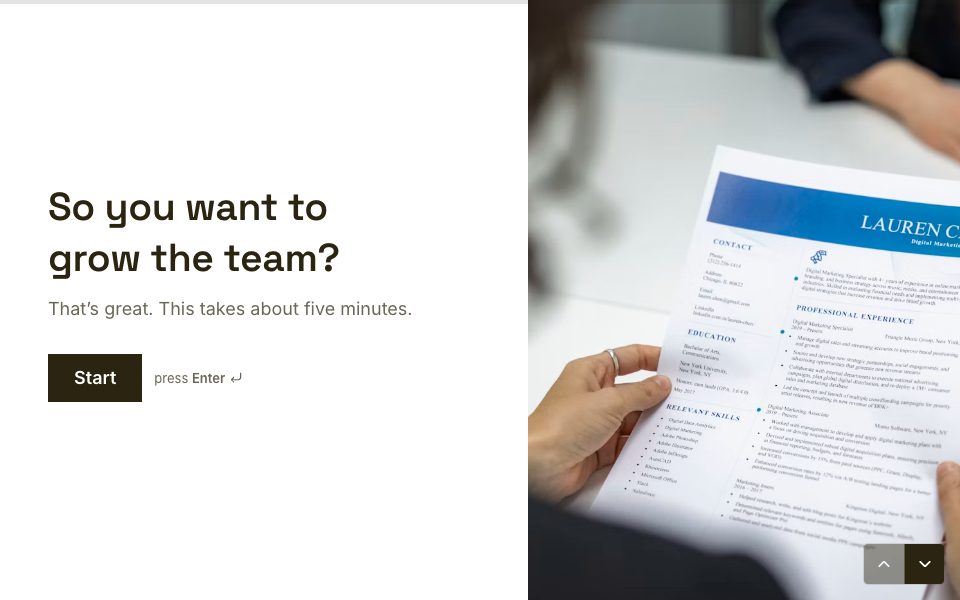
- Contact details: name, email and phone, using the dedicated question types so they’re checked as people type.
- The deal-breakers first: location, working pattern, right to work or salary range, whatever would end the conversation anyway.
- Two or three role-specific questions that show how someone thinks, instead of a generic cover letter.
- CV and portfolio upload, with the file types you actually accept.
- An optional short video introduction for roles where communication matters.
- Consent to keep their data for this role, and separately for future roles.
Screen candidates fairly, and kindly
Put hard requirements near the start and use logic to end politely when one isn’t met, with an ending that says why and points to other roles. Candidates don’t spend half an hour on an application they can’t win, and you don’t spend time reading it.
Screen on the job, not the person. Ask about skills, availability and experience the role really needs, and leave out anything that could introduce bias, such as age or photos. If you collect equal-opportunities data, keep it optional, separate from the application, and away from whoever makes the hiring decision.
Fewer abandoned applications
- One question at a time makes a long application feel short, especially on a phone, where many candidates apply.
- If someone closes the tab, the form offers to pick up where they left off on the same device.
- A progress bar shows how much is left.
From application to shortlist
Every application lands in Results, where you can filter by any answer, tag candidates as “Shortlist” or “Interview”, and share a live summary with the hiring manager. Connect Google Sheets for a shared tracker, or on Pro send each application to your applicant tracking system through a webhook with Zapier, Make or n8n. Book interviews with the same tool: send shortlisted candidates a short form with a Scheduler question.
Reference checks without phone tag
Send referees a structured form instead of an email thread. Ask the same questions for every candidate, such as how long they worked together, strengths, areas to grow and whether they’d hire them again, and the answers become comparable side by side. Referees can answer on their phone in a few minutes, which is why they actually reply.
Forms for hr & recruiting, answered
Can candidates upload a CV?+
Yes. Up to 10 files per answer and up to 100 MB each, stored privately and optionally copied to Google Drive.
Can candidates record a video introduction?+
Yes. A Video & audio question records an answer on their camera or microphone.
Can I end the application if someone doesn’t qualify?+
Yes. Logic can jump to a polite ending when a screening answer doesn’t meet a requirement.
Can applications go to our ATS?+
Yes, on Pro, through webhooks, which Zapier, Make or n8n can forward to most applicant tracking systems.


Your first hr & recruiting form, live today.
Start from a template, make it yours, and share it in minutes. Free to start, no card needed.
Start free