Lead capture forms
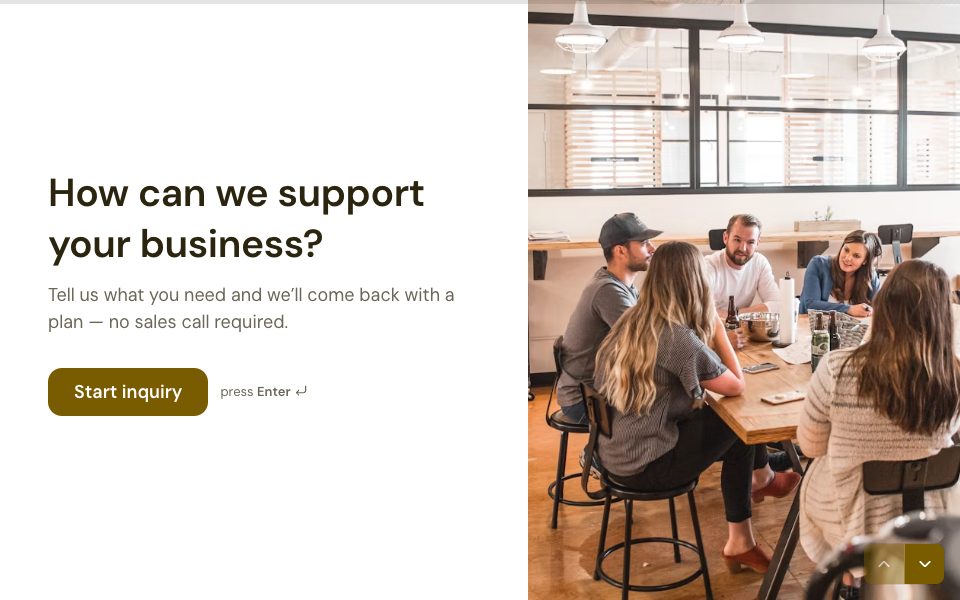
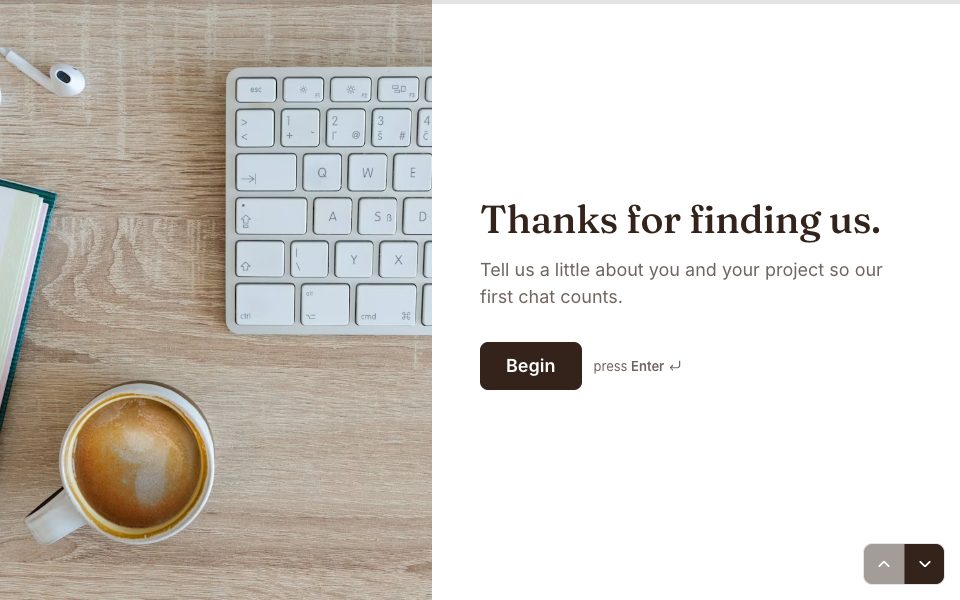
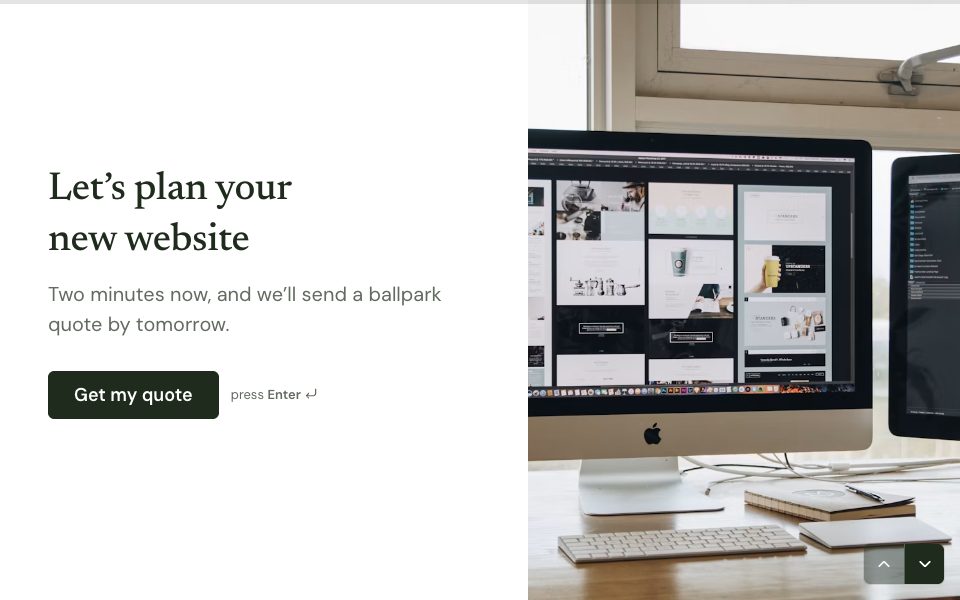
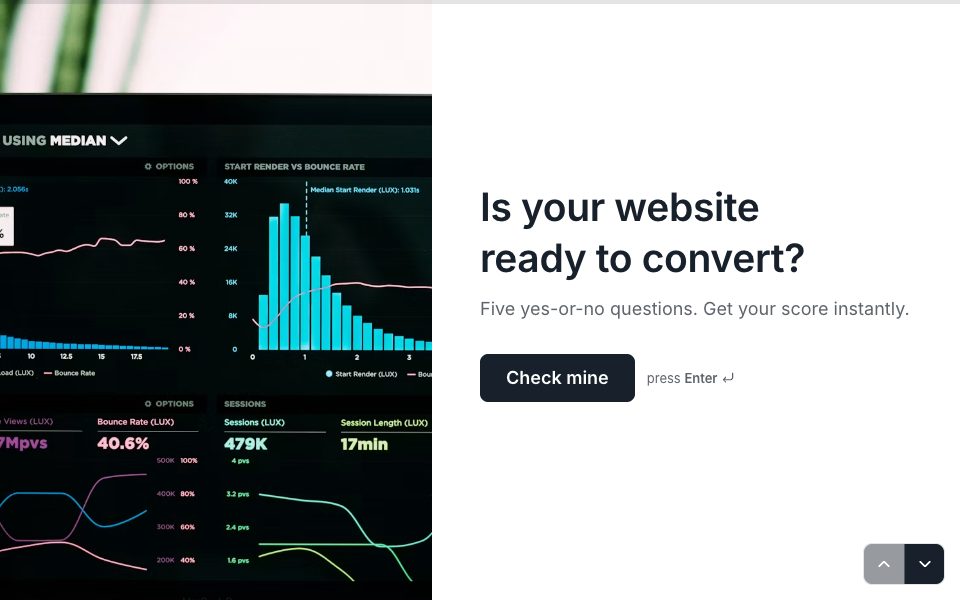
Lead forms that feel like a conversation.
Ask one thing at a time, qualify as you go, and send every lead to your inbox, your sheet or your CRM with its source attached.
1 →
Before we get started, who are we talking to?
What you get
One question at a time
A short conversation instead of a wall of fields, on any device.
Qualify with logic
Ask budget or company size, and route good-fit leads to a booking and the rest to a thank-you.
Score every lead
Add points for the answers that matter and see the score next to each response.
Know the source
Hidden fields capture UTM parameters and anything else you pass in the link.
Book the call
Add a Scheduler question so a qualified lead picks a time before they leave.
Straight to your CRM
HubSpot, Salesforce, Attio and Mailchimp on Pro; Google Sheets and email on every plan.
Set it up in three steps
Start from a lead capture or lead qualification template.
Add your qualifying questions, scoring and hidden fields.
Embed it on your site or share the link, and connect your CRM.
Free to start
Every plan includes this, Free too. 3 active forms and 100 responses a month, no card needed.
Compare plansHow to get more leads from the same traffic
- Open with the easiest question, not the email field. People who’ve answered one question tend to answer the next.
- Ask for contact details after the questions about their problem, once they’ve invested a minute.
- Cut every field you won’t use in the first reply.
- Send qualified leads straight to a booking, while they’re interested.
- Check drop-off in Results and fix the question where people leave.

FAQ
Lead capture forms, answered
What is a lead capture form?
A form that collects a potential customer’s contact details, usually with a few questions about what they need, so you can follow up.
How many fields should a lead form have?
As few as you’ll use. Name, email and one or two qualifying questions is enough for most; ask the rest on the call.
Can I embed the form on my landing page?
Yes. Embed it inline, as a popup, a slide-in panel or a side tab, on any site that accepts HTML.
Can I send leads to HubSpot or Salesforce?
Yes, on Pro. A built-in action creates or updates the contact when a response arrives, with no Zapier needed.
Is it free?
Yes. The Free plan includes 3 active forms and 100 responses a month, with logic, scoring, hidden fields and embeds.
Build your lead form free.
Every plan includes it. Make your first form in minutes, no card needed.
Start free