Intake form builder
Client intake, without the back-and-forth.
Collect the details, the documents, the signature and the first appointment in one form your client can finish on their phone.
1 →
First, who are we working with?
What you get
Only what applies
Logic shows each client the questions for their service and skips the rest.
Files and photos
Upload questions for briefs, ID, photos or documents, with no account needed.
Signatures
A Signature question for agreements and consent, drawn or typed.
Deposits
Take a deposit or the first fee through your own Stripe account, with no FormsAI fee.
The first meeting
A Scheduler question books the kick-off call at the end of the form.
Save and resume
Clients can leave a long form and pick it up later where they stopped.
Set it up in three steps
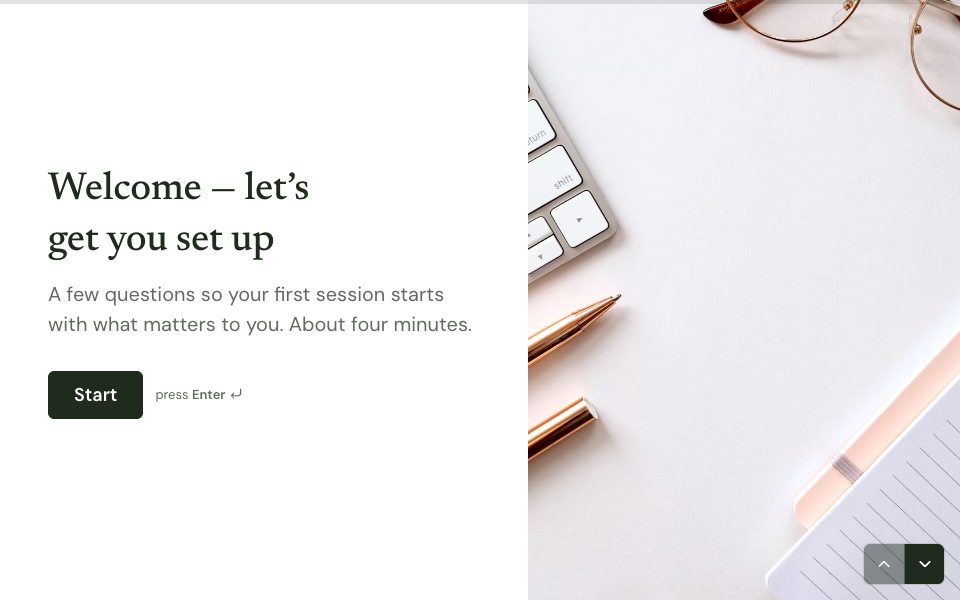
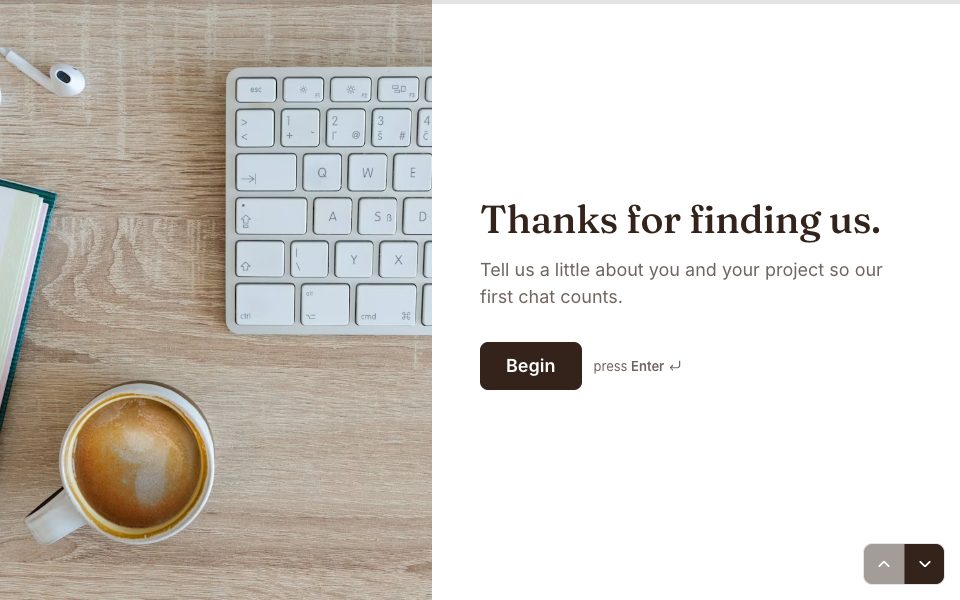
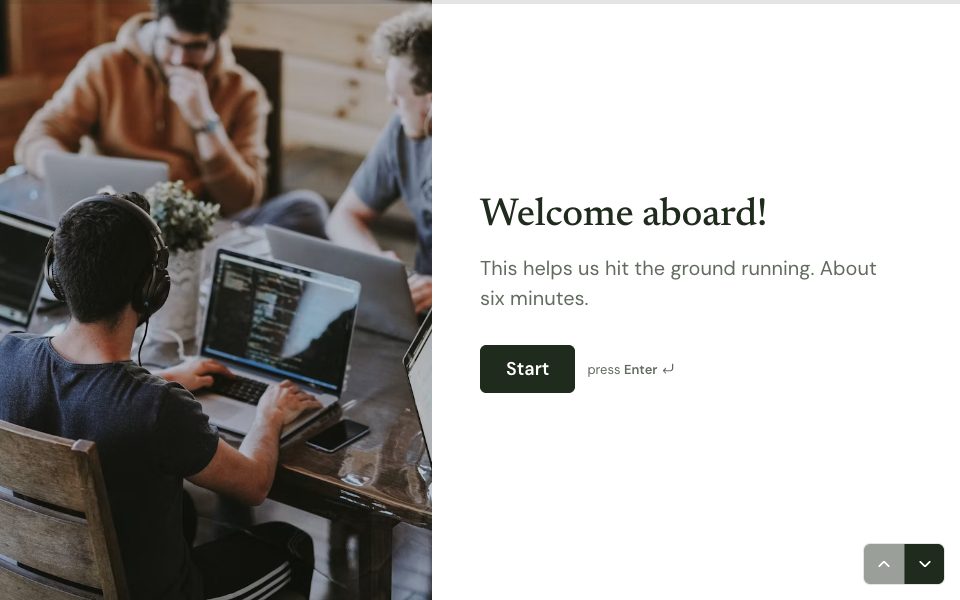
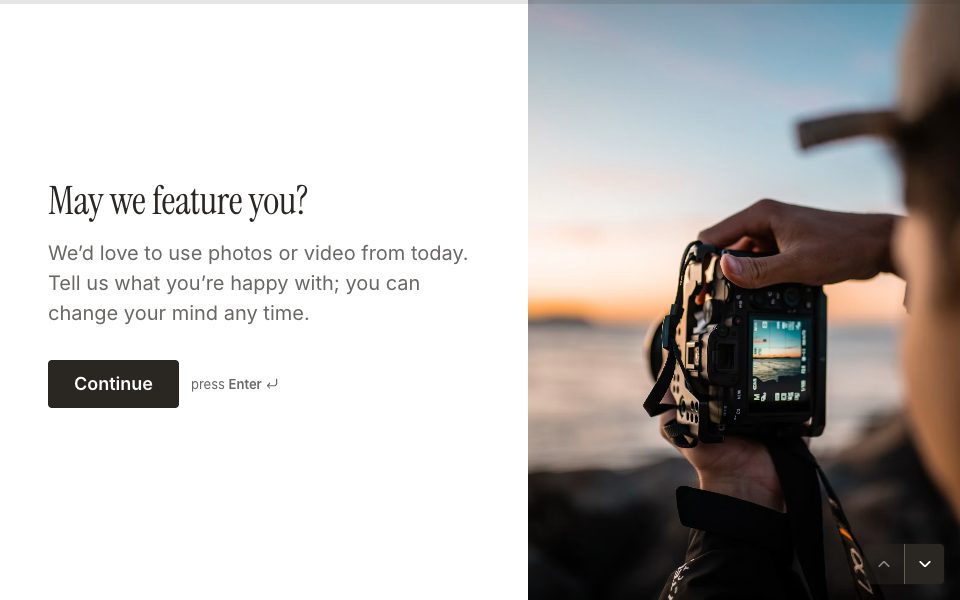
Start from the client intake template.
Add your services, documents and agreement.
Send the link to each new client, or embed it on your site.
Free to start
Every plan includes this, Free too. 3 active forms and 100 responses a month, no card needed.
Compare plansWhat to put on an intake form
- Contact details and how they’d like to be reached.
- Which service they want, so logic can show the right questions.
- The few facts you need before the first meeting, not everything you’ll ever ask.
- Documents or photos you’d otherwise chase by email.
- Your terms, with a signature.
- A time for the first call, so the form ends with a date in the diary.
FAQ
Intake form builder, answered
What is a client intake form?
The form a new client fills in before you start: who they are, what they need, and the documents and agreement you need from them.
Can clients sign the intake form?
Yes. Add a Signature question and they can draw or type their signature on any device.
Can I use it for patient intake?
Not for protected health information. FormsAI isn’t HIPAA compliant. It suits non-clinical intake, such as agencies, coaching, fitness, salons, legal enquiries and trades.
Can clients finish the form later?
Yes. With save and resume on, a client can return to the same link and continue from where they left.
Is it free?
Yes. Free includes 3 active forms and 100 responses a month, with uploads, signatures, payments and the Scheduler.
Build your intake form free.
Every plan includes it. Make your first form in minutes, no card needed.
Start free