E-signatures
Get it signed in the same form.
Add a Signature question and people sign with a finger, a pen or a mouse, or type their name, right after they answer.
1 →
What’s your full name?
What you get
Draw or type
Respondents draw on any device, or switch to typing their name when you allow it.
Saved as an image
A PNG with the response, in the panel, exports (as a link) and printouts.
Google Drive copies
Turn on Save to Google Drive to copy every signature into the form’s folder.
With the terms
Put a Legal question before it, so people read and accept the terms first.
Logic-aware
Only ask for a signature on the paths that need one.
Every plan
No per-signature fees and no separate e-sign subscription.
Set it up in three steps
Add a Signature question where people should sign.
Turn on Allow typing a name instead if you want it, and Save to Google Drive.
Publish and share the form.
Free to start
Every plan includes this, Free too. 3 active forms and 100 responses a month, no card needed.
Compare plansConsent forms, waivers and agreements
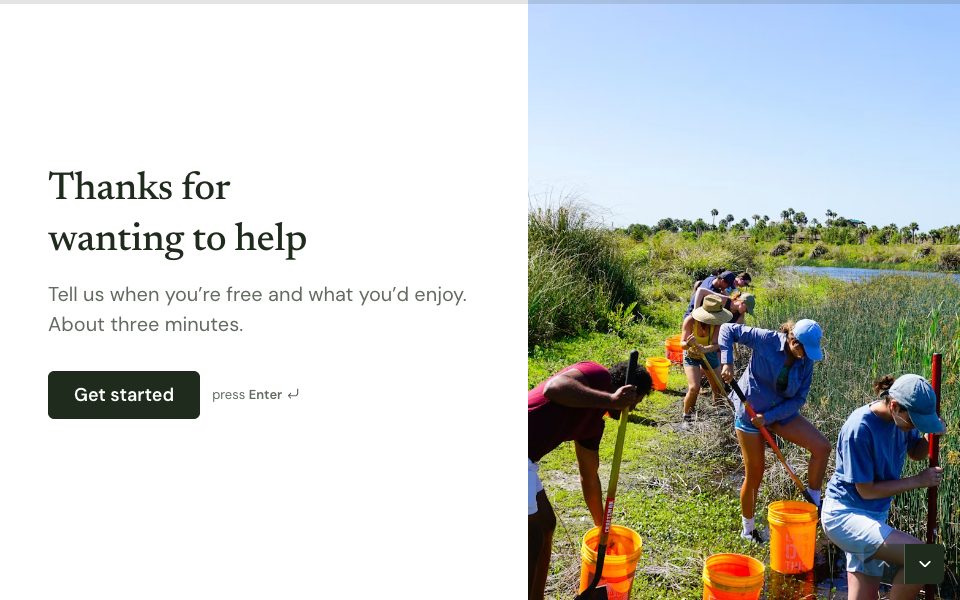
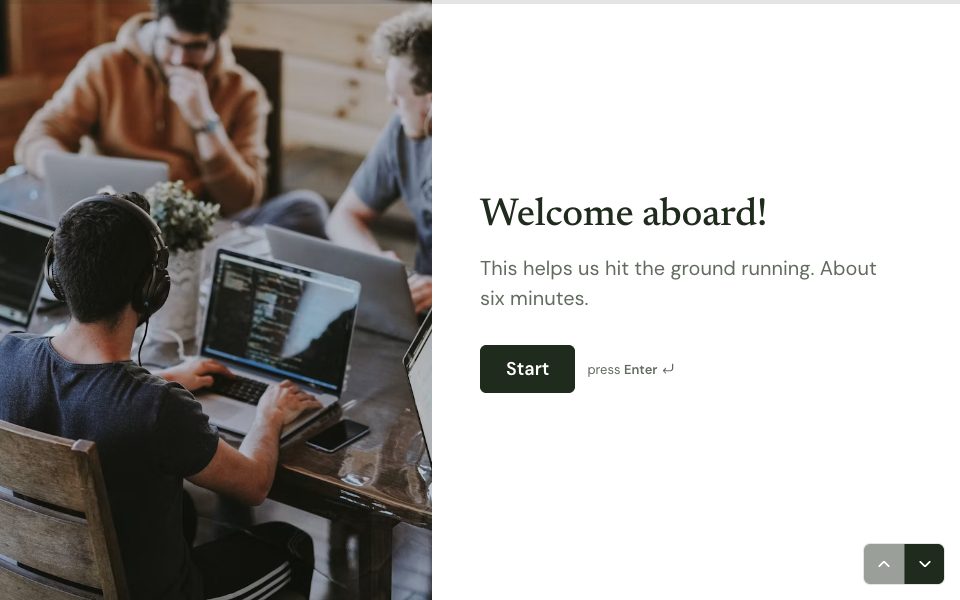
Most signed forms follow the same shape: who the person is, the terms they’re agreeing to, a tick or an accept button, and a signature. In FormsAI that’s a Contact info question, a Legal question that shows the full terms with accept and decline, and a Signature question. Logic can stop people who decline, and a copy of their answers on the ending gives them a record.
Templates to start from
All 48 templates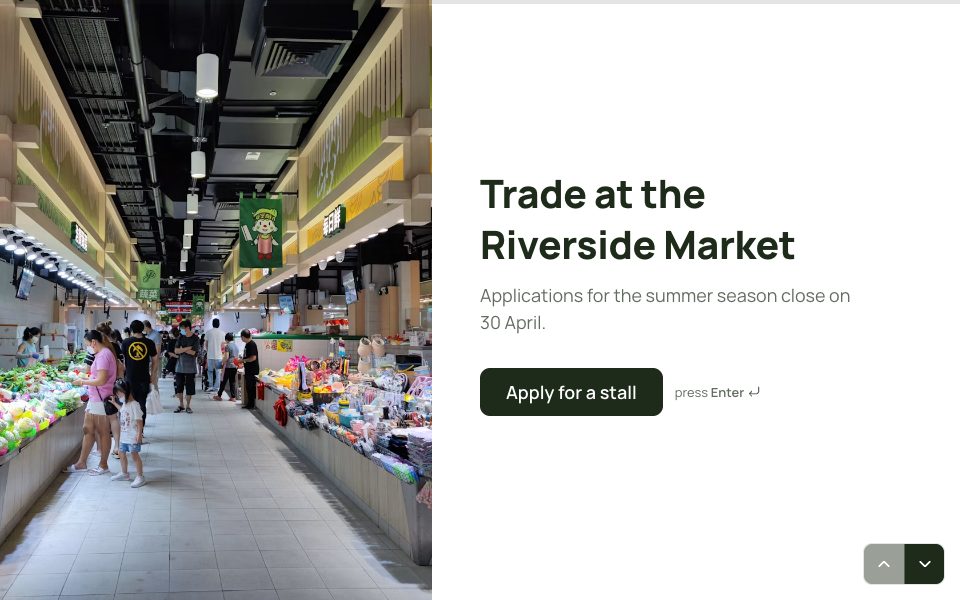
FAQ
E-signatures, answered
Is a drawn signature legally binding?
How binding a signature is depends on your process and where you are. For formal contracts, check what your local rules require. FormsAI records the signature image with the response and when it was submitted.
Can people type their name instead?
Yes, if you turn on Allow typing a name instead. They can switch between drawing and typing.
Where do I find the signatures?
On each response in Results, in exports as a link, in printouts, and in your Google Drive folder if you turned that on.
Does it cost extra?
No. Signature questions are on every plan, Free included.
More features
- Results & Smart Insights
- Custom domains
- AI form builder
- Payments
- Appointment booking
- Conditional logic
- Quizzes
- Google Sheets
- File uploads
- Embeds
- Webhooks & integrations
- 25 question types
- Design & themes
- Booking links
- Video & audio answers
- Form languages
- Save & resume
- Password-protected forms
- Close dates & limits
- Hidden fields & UTM
- Spam protection
- Insights dashboard
- AI follow-up questions
- Kiosk mode
- Teams
- REST API
- Email alerts & notifications
- Confirmation emails
- Calculations
Try e-signatures free.
Every plan includes it. Make your first form in minutes, no card needed.
Start free