Video & audio answers
Hear it in their own words.
Add a Video & audio question and people record an answer on their camera or microphone, watch it back, and send it.
1 →
Overall, how would you rate your visit?
What you get
Video, audio or both
Choose what people can record, and a maximum length from 10 seconds to 5 minutes.
Review before sending
Respondents watch or listen back and can record again.
Upload instead
People without a camera or microphone can upload a file.
Works in embeds
The frame is allowed to ask for the camera and microphone.
Transcripts
Turn a recording into text you can read, search and quote. (Pro)
Google Drive
Copy every recording into the form’s Drive folder.
Set it up in three steps
Add a Video & audio question and choose Video or audio, Video, or Audio.
Set the maximum length and whether people can upload a file instead.
Publish. Play recordings in Results, and transcribe them on Pro.
Free to start
Every plan includes this, Free too. 3 active forms and 100 responses a month, no card needed.
Compare plansWhen a recording beats a text box
- Testimonials: a customer saying it in their own voice is worth ten written quotes.
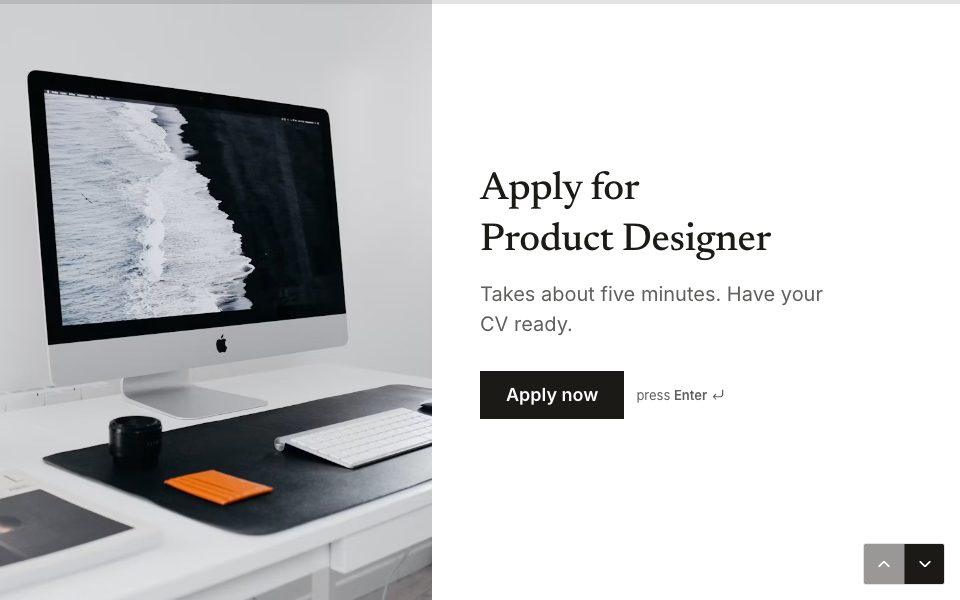
- Job applications: a one-minute introduction shows what a CV can’t.
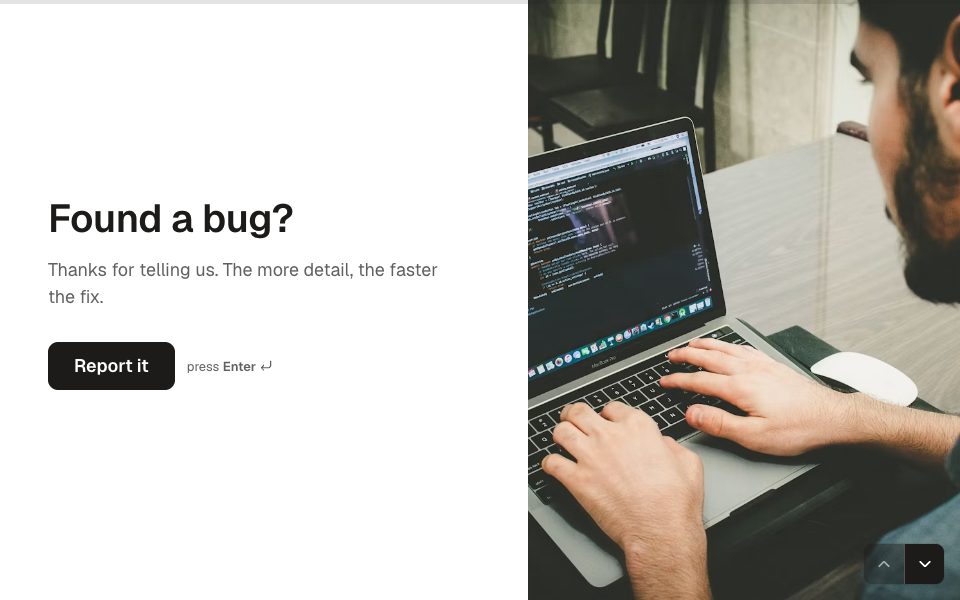
- Bug reports: a recording of the problem saves three rounds of questions.
- Research: people say more when they talk than when they type.
Templates to start from
All 48 templates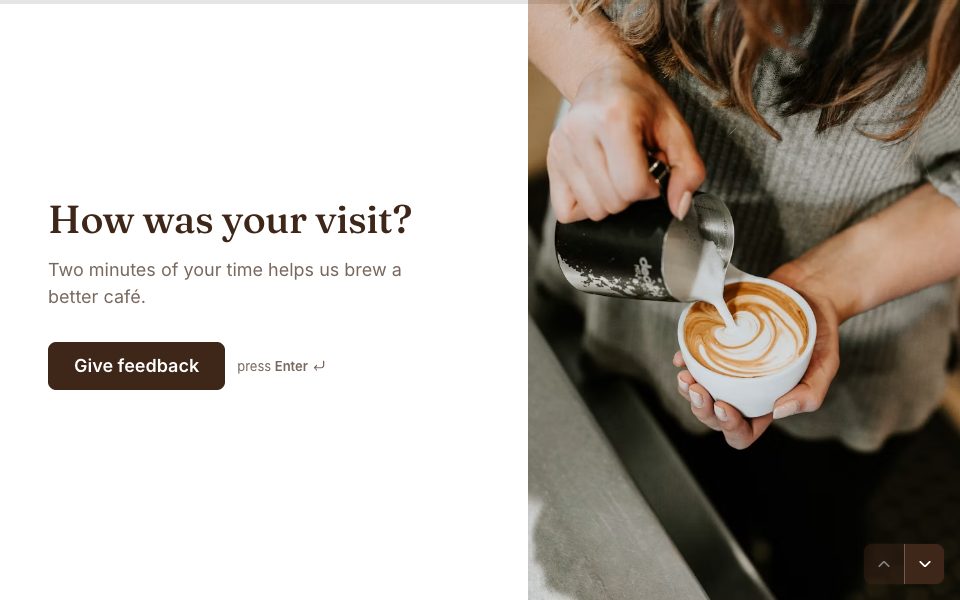
FAQ
Video & audio answers, answered
Do respondents need an app?
No. Recording happens in the browser. It asks for camera or microphone access when people start.
How long can answers be?
From 10 seconds up to 5 minutes, as you choose. Video files can be up to 100 MB and audio up to 25 MB.
Can I get a transcript?
Yes, on Pro. Open a response with a recording and select Transcript. Recordings up to 25 MB can be transcribed.
Is it free?
Recording is on every plan, Free included. Transcripts are part of FormsAI Pro.
More features
- Results & Smart Insights
- Custom domains
- AI form builder
- Payments
- Appointment booking
- Conditional logic
- Quizzes
- Google Sheets
- File uploads
- Embeds
- Webhooks & integrations
- 25 question types
- Design & themes
- Booking links
- E-signatures
- Form languages
- Save & resume
- Password-protected forms
- Close dates & limits
- Hidden fields & UTM
- Spam protection
- Insights dashboard
- AI follow-up questions
- Kiosk mode
- Teams
- REST API
- Email alerts & notifications
- Confirmation emails
- Calculations
Try video & audio answers free.
Every plan includes it. Make your first form in minutes, no card needed.
Start free