Forms that look like your brand.
Start from a theme, then make it yours: colours, fonts, backgrounds, layouts and motion. Contrast checks keep everything readable.
1 →
Hello! Which lovely guest is this?
What you get
Twelve themes
Light and dark starting points that already pass contrast checks.
Eleven fonts
Serif, sans and display faces, loaded fast from our own servers.
Backgrounds and layouts
Colour, gradient, photo or video, with centred, split, stacked and full-background layouts per screen.
Motion
Subtle transitions between questions, and confetti on the ending if you like.
Contrast checks
The builder warns you before a colour choice makes text hard to read.
Saved themes
Save your brand theme once and apply it to any form in a click.
Set it up in three steps
- 1
Open the Design panel on any form.
- 2
Pick a theme, then adjust colours, fonts and backgrounds.
- 3
Save it as a theme to reuse everywhere.
Free to start
Every plan includes this, Free too. One active form and 100 responses a month, no card needed.
Compare plansForm design best practices
- Show one question at a time. A single question is less daunting than a wall of fields, and it works naturally on a phone.
- Keep text dark on light or light on dark. The builder warns you when a combination is hard to read.
- Use big, tappable answers. Every Forms answer is sized for thumbs.
- Show progress, so people know the end is near.
- Use one photo or colour per screen, not five. The question should be the loudest thing there.
- Say thank you on the ending, and tell people what happens next.
Match your brand in minutes
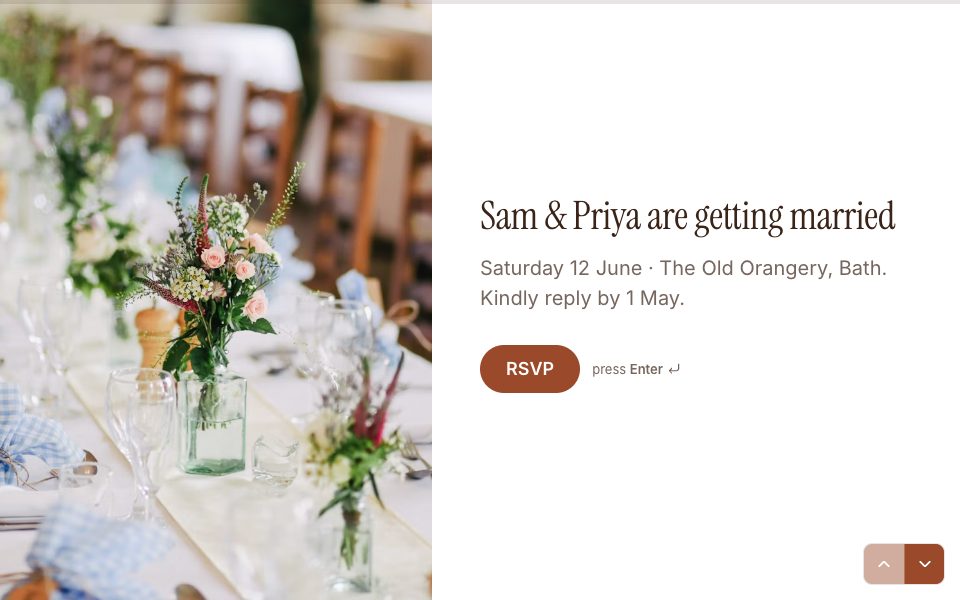
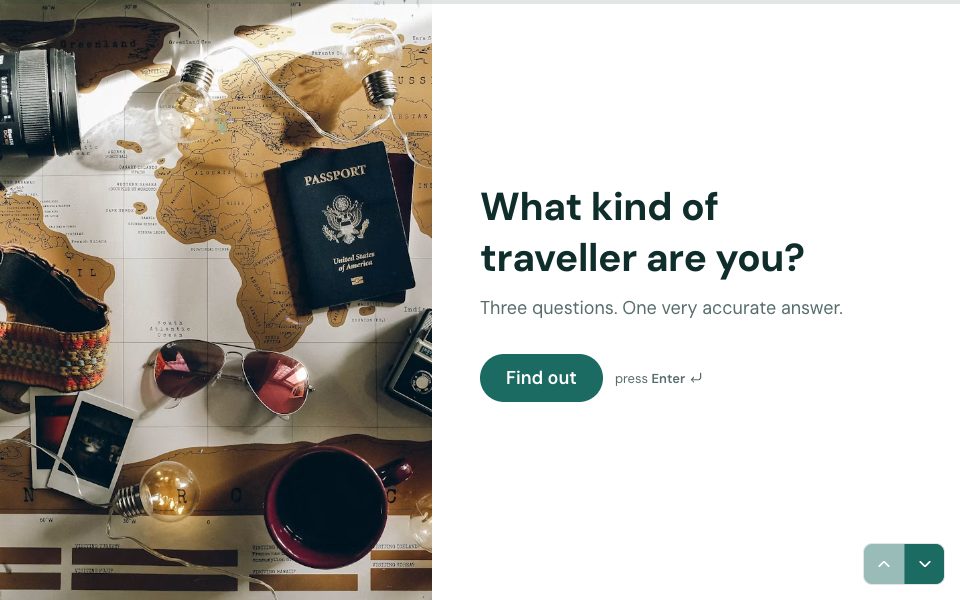
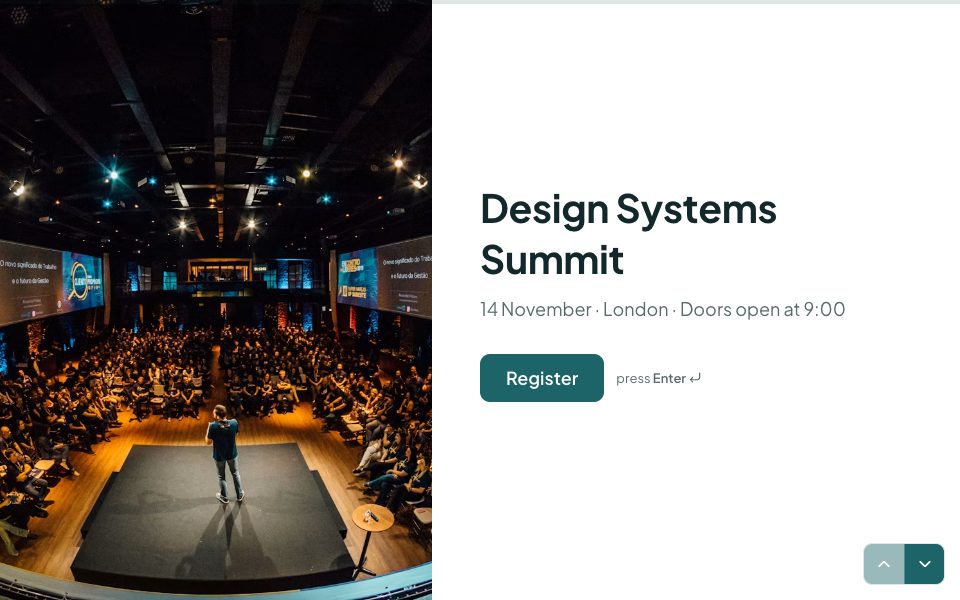
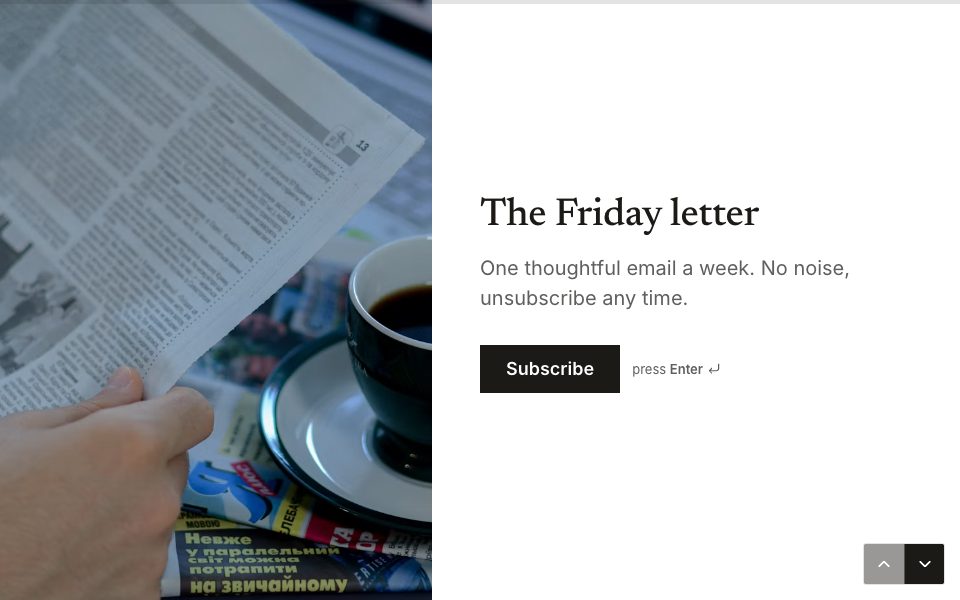
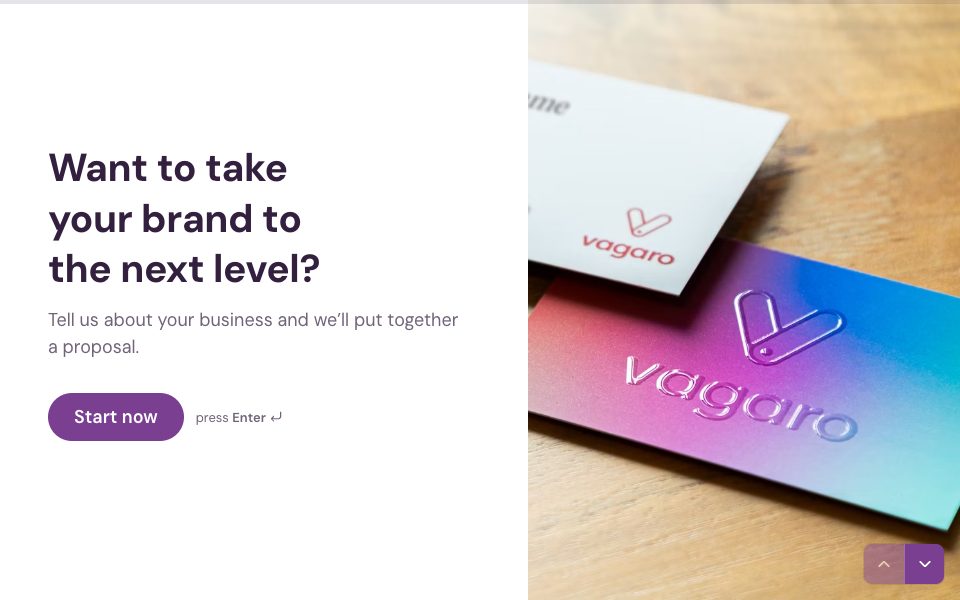
Start from one of the twelve themes, then set your own colours for the background, questions, answers and buttons, and pick a font. Add your logo, choose a photo, gradient or video background, and pick a layout for each screen: centred, split, stacked or full background. Save the result as a theme and every new form starts on-brand.
Accessible by default
Forms’ public forms are built to the WCAG 2.2 AA standard. Everything works with a keyboard, focus is always visible, and every question can be read by a screen reader. Built-in contrast checks catch text that would be hard to read before you publish, and animations switch off for people who ask their device to reduce motion.
Designs that load fast
Fonts are served from Forms’ own servers rather than a third party, and the form itself is a small download. That matters most on phones and slow connections, where a heavy form loses people before the first question appears.
Design & themes, answered
Is custom design on the Free plan?+
Yes. Themes, fonts, backgrounds and layouts are on every plan.
Can I use my brand colours?+
Yes. Set any colour for the background, questions, answers and buttons.
Can I use video backgrounds?+
Yes. Use a video, photo or gradient behind any screen.
Will my form work on phones?+
Yes. Every layout adapts to small screens, and every question is touch-friendly.


Try design & themes free.
Every plan includes it. Make your first form in minutes, no card needed.
Start free