Kiosk mode
One tablet, a queue of people.
Run a form on an iPad at the front desk or a stand. It starts over after each person and keeps answers safe when the Wi-Fi drops.
1 →
Overall, how was the event?
What you get
Resets by itself
Six seconds after the ending, the form is ready for the next person.
Nothing carried over
No resume prompt and no answers kept between people.
Offline outbox
Finished responses wait on the device and send when the connection is back.
Honest about payments
Forms with a payment or a scheduler need a live connection; a charge or a slot can’t wait.
Any device
Any tablet or laptop with a browser works with ?kiosk=1.
Every plan
Free included.
Set it up in three steps
Add ?kiosk=1 to your form’s link.
Open it on the device and leave it on the stand.
Responses arrive as usual, including ones taken offline.
Free to start
Every plan includes this, Free too. 3 active forms and 100 responses a month, no card needed.
Compare plansTemplates to start from
All 48 templates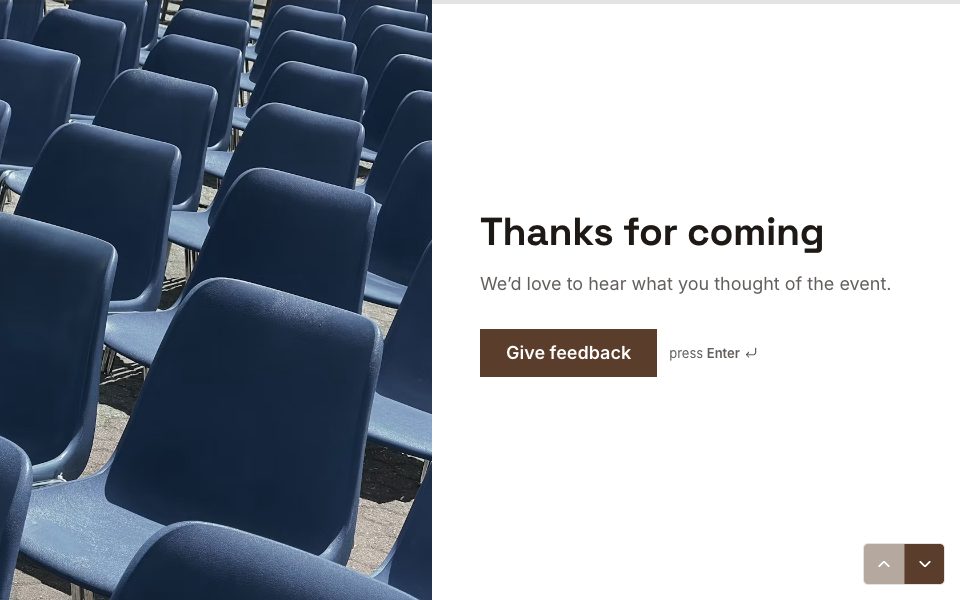
FAQ
Kiosk mode, answered
Does it work without internet?
Finished responses are kept on the device and sent when the connection is back. Forms with a payment or a scheduler need a live connection.
Do I need an app?
No. Any browser works with ?kiosk=1, on a tablet, a laptop or a phone.
Can the next person see the last answers?
No. Kiosk mode never offers to resume and keeps nothing between people.
Is it free?
Yes, on every plan.
More features
- Results & Smart Insights
- Custom domains
- AI form builder
- Payments
- Appointment booking
- Conditional logic
- Quizzes
- Google Sheets
- File uploads
- Embeds
- Webhooks & integrations
- 25 question types
- Design & themes
- Booking links
- E-signatures
- Video & audio answers
- Form languages
- Save & resume
- Password-protected forms
- Close dates & limits
- Hidden fields & UTM
- Spam protection
- Insights dashboard
- AI follow-up questions
- Teams
- REST API
- Email alerts & notifications
- Confirmation emails
- Calculations
Try kiosk mode free.
Every plan includes it. Make your first form in minutes, no card needed.
Start free