Password-protected forms
Only the people with the password.
Set a password and respondents type it before the form opens. It’s checked on the server and never sent to the browser.
1 →
How would you rate the company culture right now?
What you get
Checked on the server
The password never reaches the browser, so it can’t be read from the page.
In the form’s language
The password screen follows the form’s language.
Remove any time
Clear the field and publish to open the form to anyone with the link.
Pairs with close dates
Combine with a close date or a response limit for internal surveys.
No accounts needed
Respondents don’t sign up; they just need the password.
Every plan
Free included.
Set it up in three steps
In Share → Settings, type a Password of at least 4 characters.
Publish.
Share the password with the right people, separately from the link.
Free to start
Every plan includes this, Free too. 3 active forms and 100 responses a month, no card needed.
Compare plansTemplates to start from
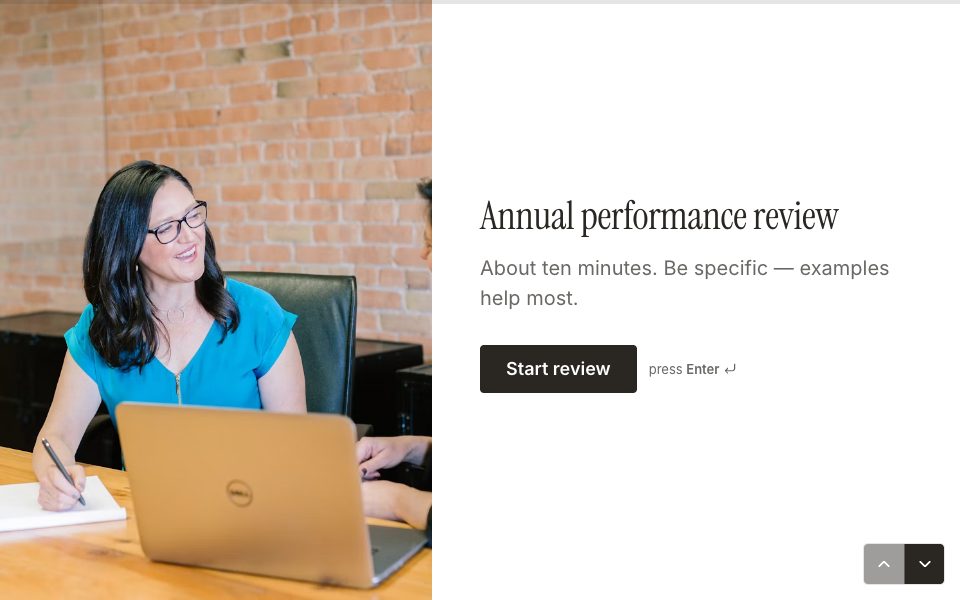
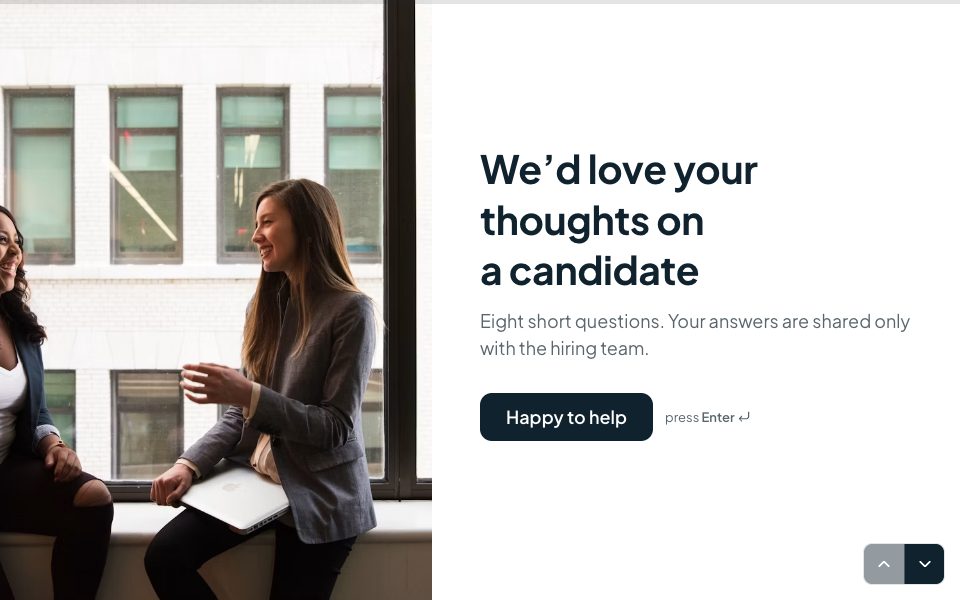
All 48 templates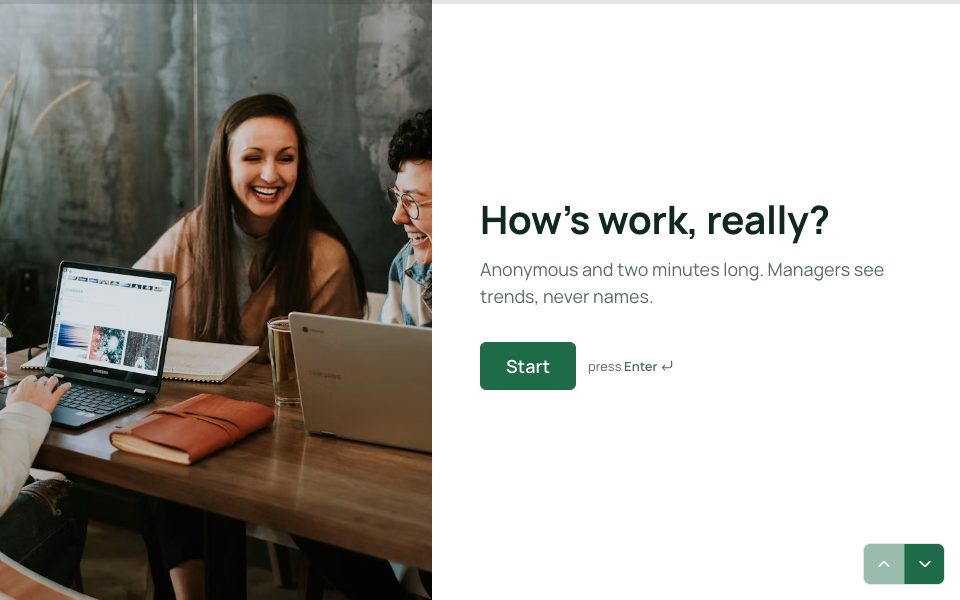
FAQ
Password-protected forms, answered
Is the password stored in the page?
No. It’s checked on the server and never sent to the browser.
Can I give different people different passwords?
A form has one password. For separate groups, duplicate the form and give each copy its own password.
Do I need Pro?
No. Password protection is on every plan.
Can I tell who answered?
A password doesn’t identify people. Add a name or email question, or a hidden field such as an employee id in each person’s link.
More features
- Results & Smart Insights
- Custom domains
- AI form builder
- Payments
- Appointment booking
- Conditional logic
- Quizzes
- Google Sheets
- File uploads
- Embeds
- Webhooks & integrations
- 25 question types
- Design & themes
- Booking links
- E-signatures
- Video & audio answers
- Form languages
- Save & resume
- Close dates & limits
- Hidden fields & UTM
- Spam protection
- Insights dashboard
- AI follow-up questions
- Kiosk mode
- Teams
- REST API
- Email alerts & notifications
- Confirmation emails
- Calculations
Try password-protected forms free.
Every plan includes it. Make your first form in minutes, no card needed.
Start free