Email alerts & notifications
Know the moment someone answers.
An email for each new response, a bell that collects what needs you, and a Monday summary of every form.
1 →
Thanks for reaching out. What’s your message about?
What you get
Email for each response
Per form, to your account email, on every plan.
Bookings too
Booking links email you and your guest with every new, moved or cancelled booking.
The bell
New responses, spam, failed deliveries and limits, each linking to where you act.
Weekly digest
Responses, views and completion per form, compared with last week, every Monday.
Smart Insights in the digest
The top theme from your answers, when you have one. (Pro)
Slack and Teams
Post each response to a channel with a connected app. (Pro)
Set it up in three steps
Open a form’s Share → Settings and turn on Email me each new response.
Check the bell in the app for anything that needs you.
Watch for the weekly digest on Monday.
Free to start
Every plan includes this, Free too. 3 active forms and 100 responses a month, no card needed.
Compare plansTemplates to start from
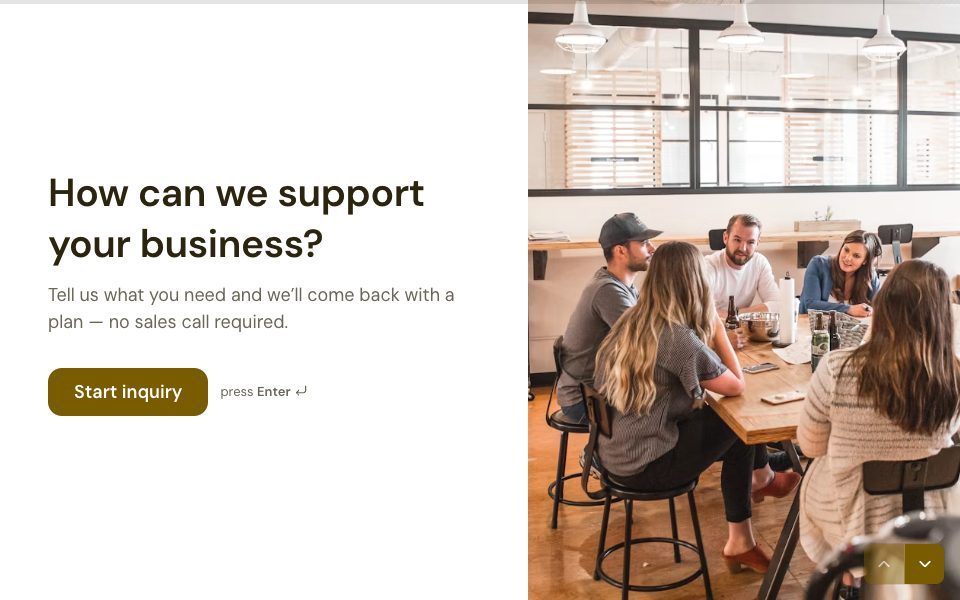
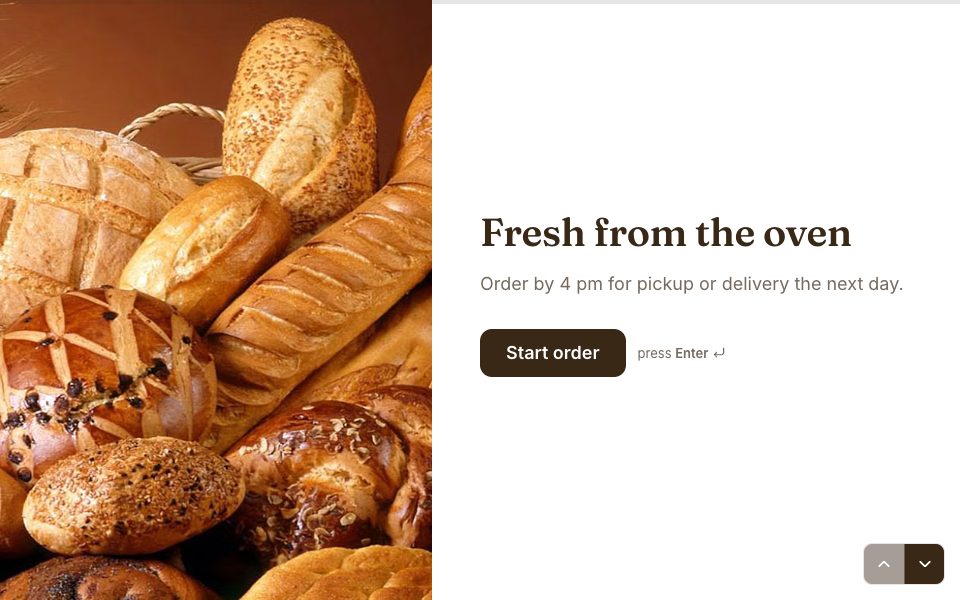
All 48 templates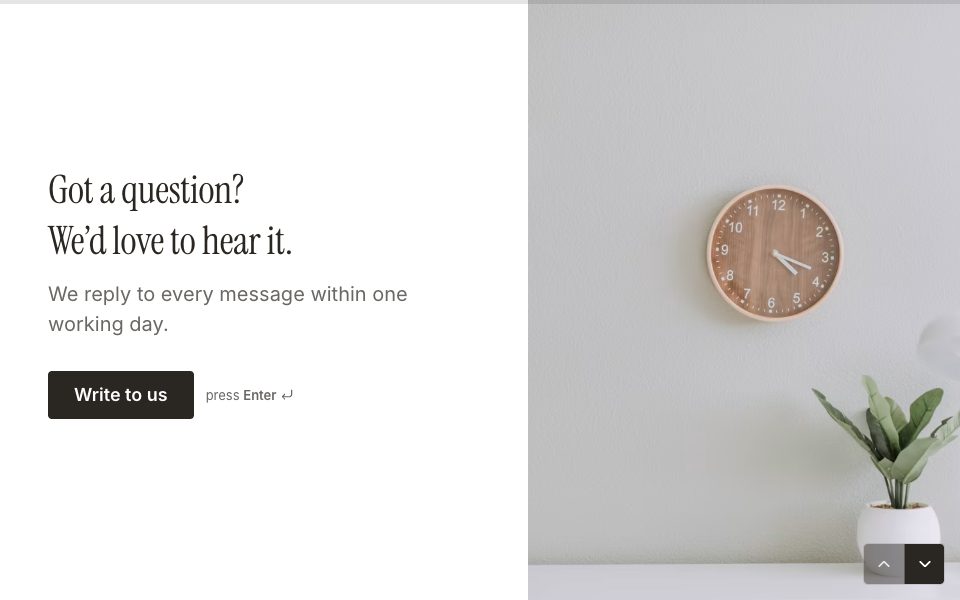
FAQ
Email alerts & notifications, answered
Are email alerts free?
Yes. Email me each new response is on every plan, Free included.
Can I turn off the weekly digest?
Yes. Turn off Weekly digest in Settings → Account → Email. It’s only sent for weeks with activity.
Can my team get notified in Slack?
Yes, on Pro. Add a Slack send message action to the form.
Can respondents get an email too?
Yes, on Pro. Turn on Email people a confirmation in Share → Settings.
More features
- Results & Smart Insights
- Custom domains
- AI form builder
- Payments
- Appointment booking
- Conditional logic
- Quizzes
- Google Sheets
- File uploads
- Embeds
- Webhooks & integrations
- 25 question types
- Design & themes
- Booking links
- E-signatures
- Video & audio answers
- Form languages
- Save & resume
- Password-protected forms
- Close dates & limits
- Hidden fields & UTM
- Spam protection
- Insights dashboard
- AI follow-up questions
- Kiosk mode
- Teams
- REST API
- Confirmation emails
- Calculations
Try email alerts & notifications free.
Every plan includes it. Make your first form in minutes, no card needed.
Start free