
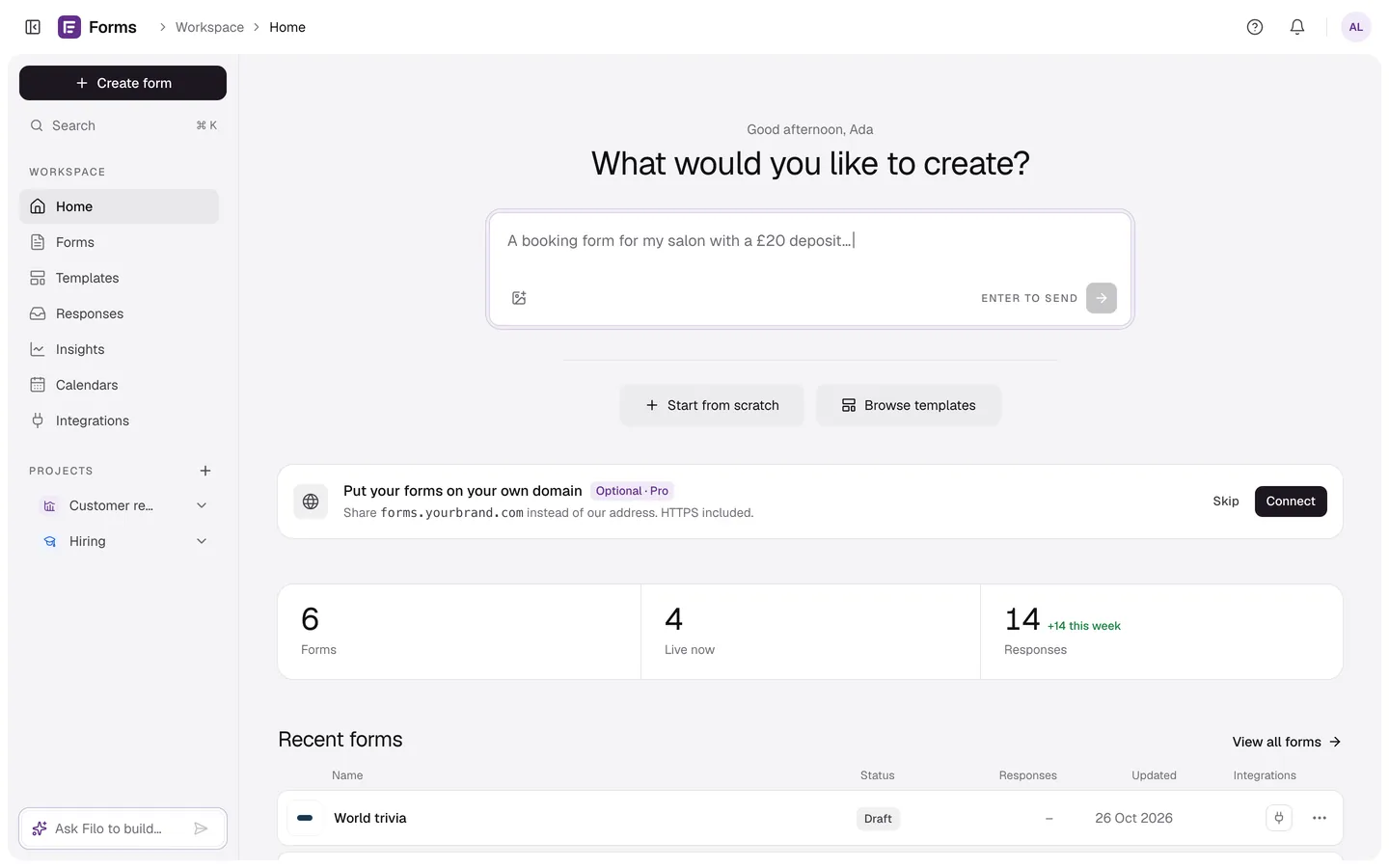
25 question types
From a quick yes or no to signatures, video answers, card payments and bookings — each one keyboard-friendly and mobile-ready.
One question at a time, beautifully themed, with logic, embeds and results built in. Describe a form and it’s built for you in seconds.
Try it
1 →
How would you rate your experience?
Features
Type what you need or attach a photo of a paper form. Filo writes the questions, the logic and the theme in seconds, and you edit anything.
Every response lands in Results with its chart, and can go straight to Google Sheets, your inbox or, on Pro, a webhook the moment it’s sent.
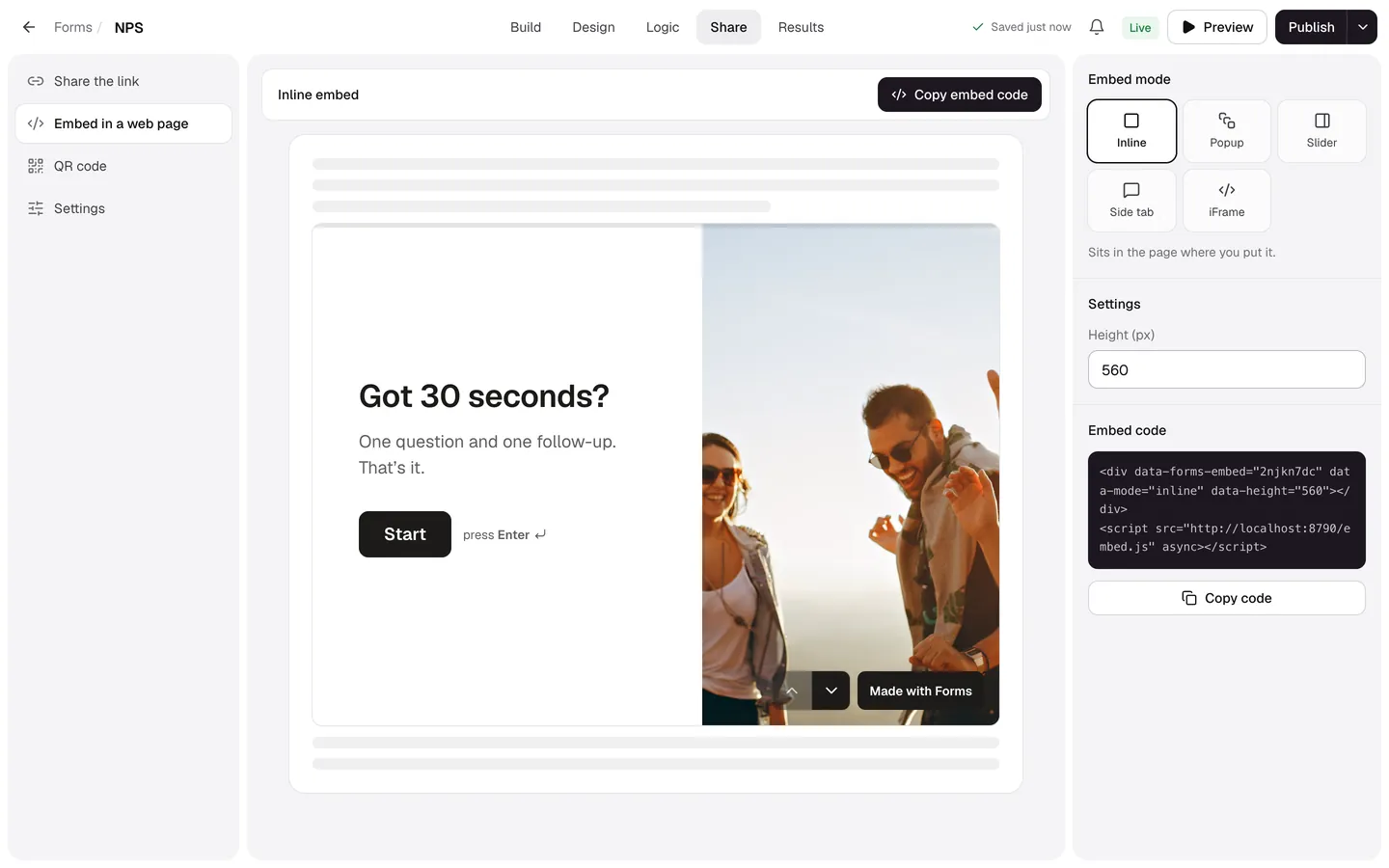
One snippet embeds it inline, as a popup or as a side tab. Or share a link, a QR code, or forms.yourbrand.com on Pro.
Share anywhere
Copy the link, put the form on your own domain, embed it inline, as a popup or a side tab, or print the QR code. The preview is the real thing.
Explore sharingCustom domains
forms.yourbrand.com with HTTPS, in minutes.
Every embed mode
Inline, popup, slider, side tab or a plain iframe.
Social previews
Your title, line and image wherever the link lands.
Smart Insights
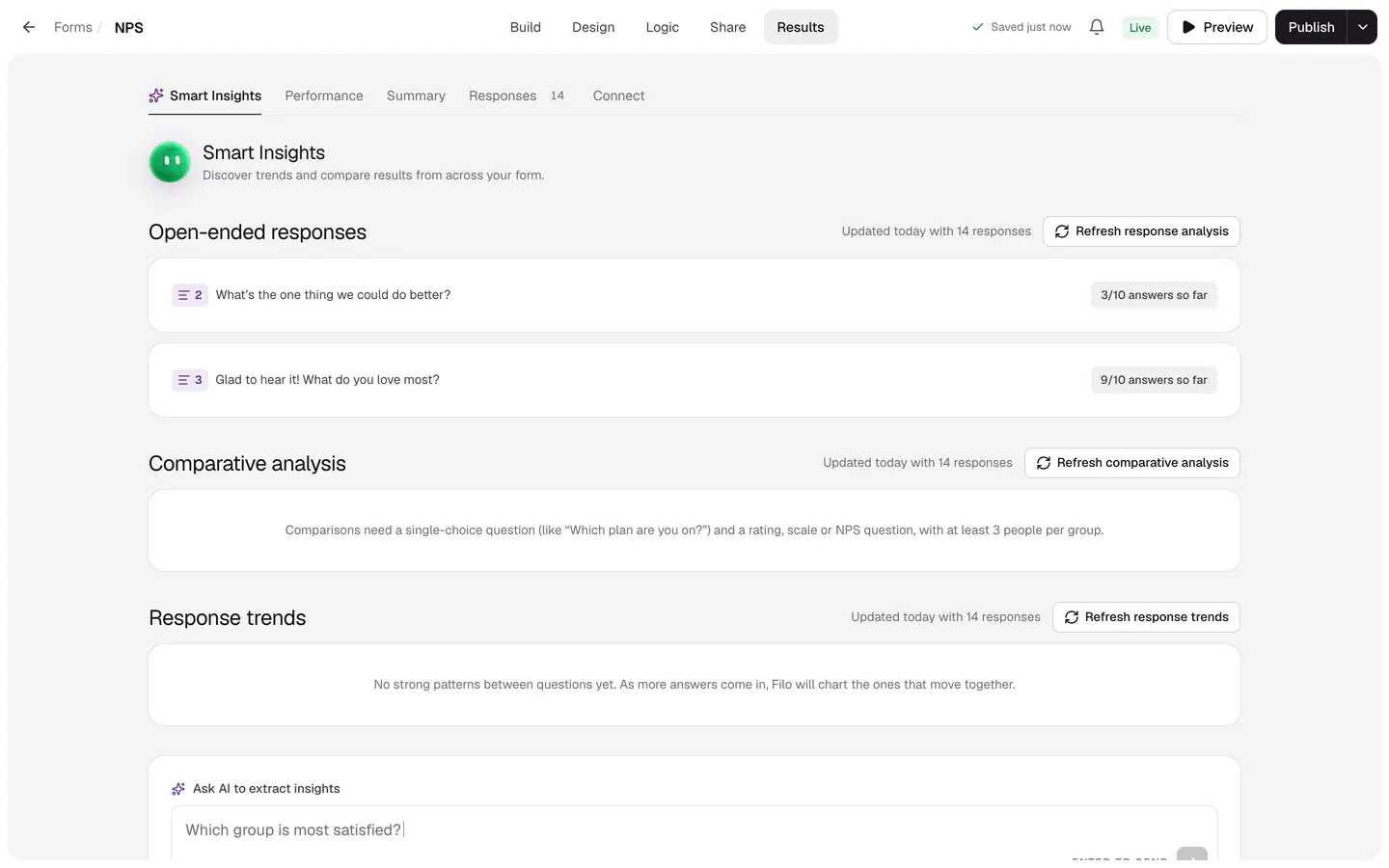
Every question gets its chart, every open answer gets a summary, and Filo finds what moves together. Ask it anything about your responses.
Explore resultsAI summaries
Themes from open answers, in plain words.
Charts per question
NPS, ratings and choices, ready to share.
Exports
CSV, Excel and JSON, or straight to your apps.
Build
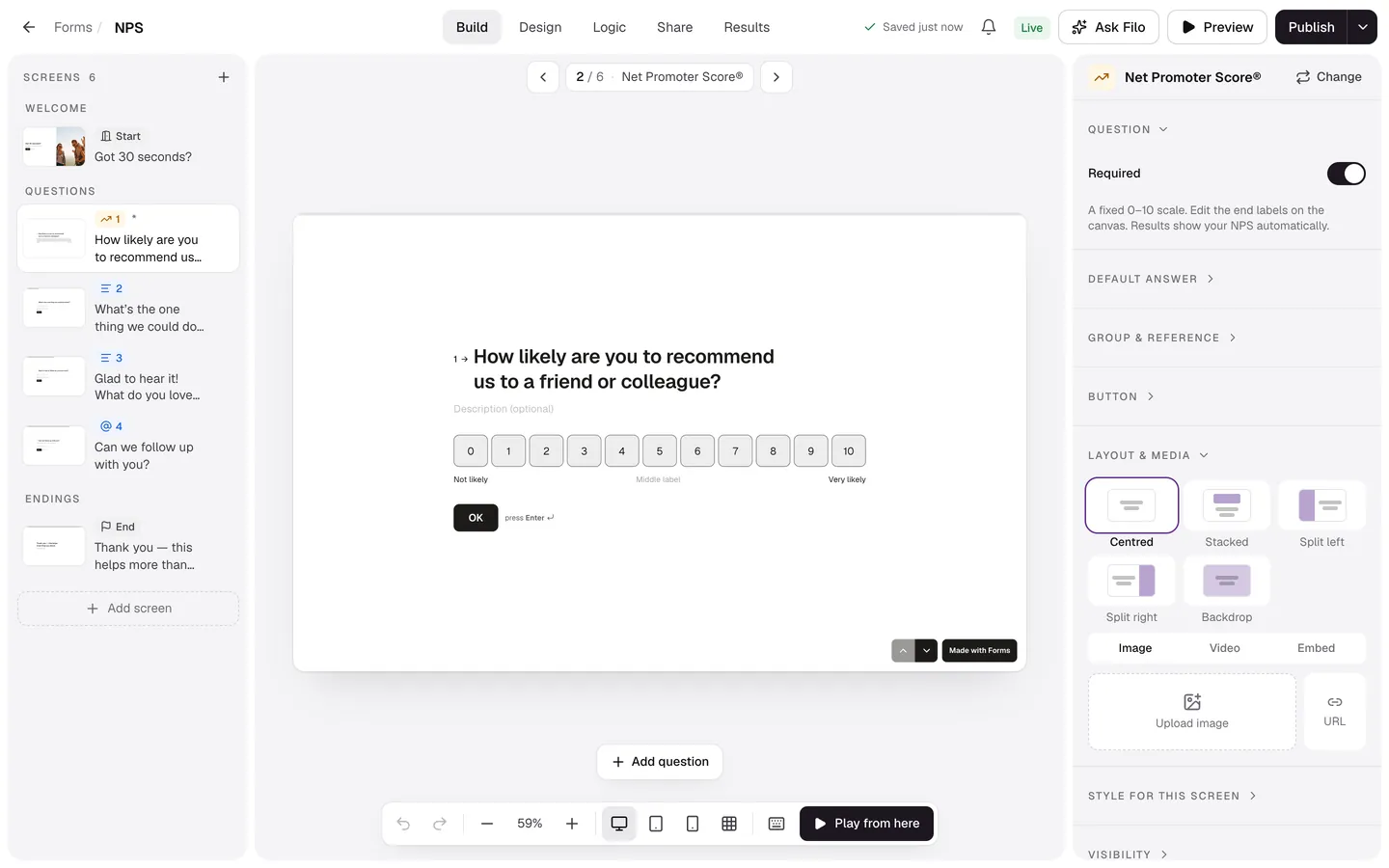
Screens on the left, the real form in the middle, settings on the right. Click any text to edit it, press / to add a question, and let Filo do the rest.
Explore the builder25 question types
From yes or no to payments and bookings.
Logic that branches
Jump, skip, score, recall earlier answers.
Twelve themes
Fonts, colours and backgrounds you can tweak.
How it works
Pick from 25 question types or a template. Click any text on the canvas to edit it.
Colours, fonts, backgrounds, layouts and motion. Twelve themes to start, endless to tweak.
Send a link, embed it anywhere or print a QR code. Watch answers and charts arrive live.
Custom domains New
Share forms.yourbrand.com instead of our address. People trust the link before they tap it, and every form you publish follows.
Features
The builder, the form your respondents see and your results all share one engine — what you design is exactly what people get.
From a quick yes or no to signatures, video answers, card payments and bookings — each one keyboard-friendly and mobile-ready.
Jump, skip, show or hide screens based on answers, hidden fields or device. Keep a score for quizzes.
Twelve themes, eleven fonts, gradients, images, video, grain and motion — with contrast checks so it stays readable.
Type @ to use an earlier answer in the next question.
2 →
Nice to meet you,
Charts per question, drop-off by screen, CSV and JSON export.
62
NPS
Link, custom address, QR code, or embed inline, as a popup, slider or side tab.
Email alerts on every plan, plus signed webhooks with automatic retries on Pro. Plug into Zapier, Make, n8n or your own server.
POST /your/webhook   X-Forms-Signature: t=1790800000,v1=…
{
  "event": "response.completed",
  "form": { "title": "Customer feedback" },
  "response": { "score": 5, "answers": [ … ] }
}Every form works from the keyboard — letters pick answers, numbers rate, arrows move. On phones, it’s a thumb-sized swipe.
Built in, not bolted on
FormsAI
Build it, share it, read the answers. Logic, themes, payments, bookings and results come with every form, so there’s nothing to stitch together.
 Customer feedback template
25
From yes or no to signatures, payments and bookings.
0%
Card payments go to your own Stripe account. We take nothing.
Templates
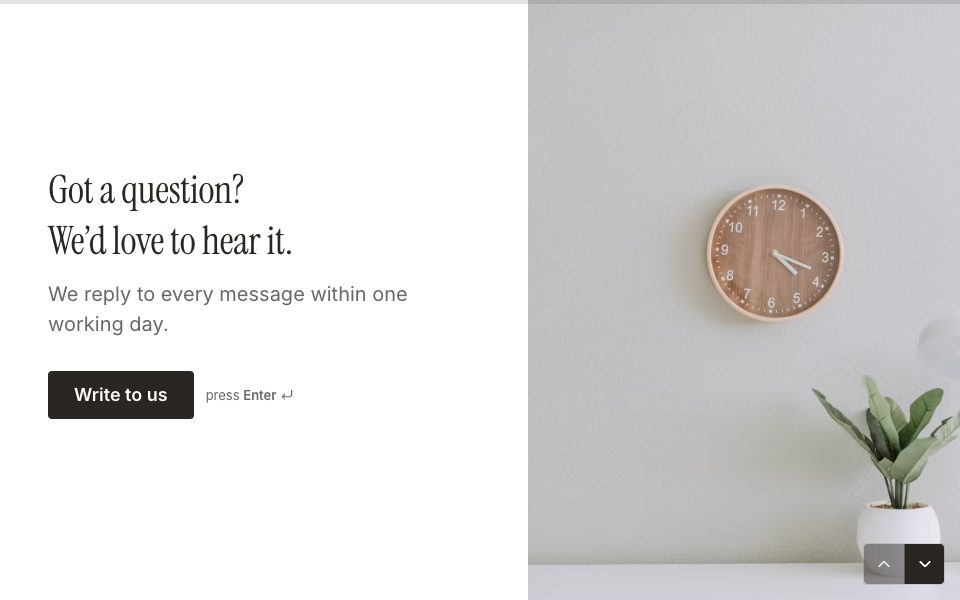
Generate leads · 4 questions
Contact form
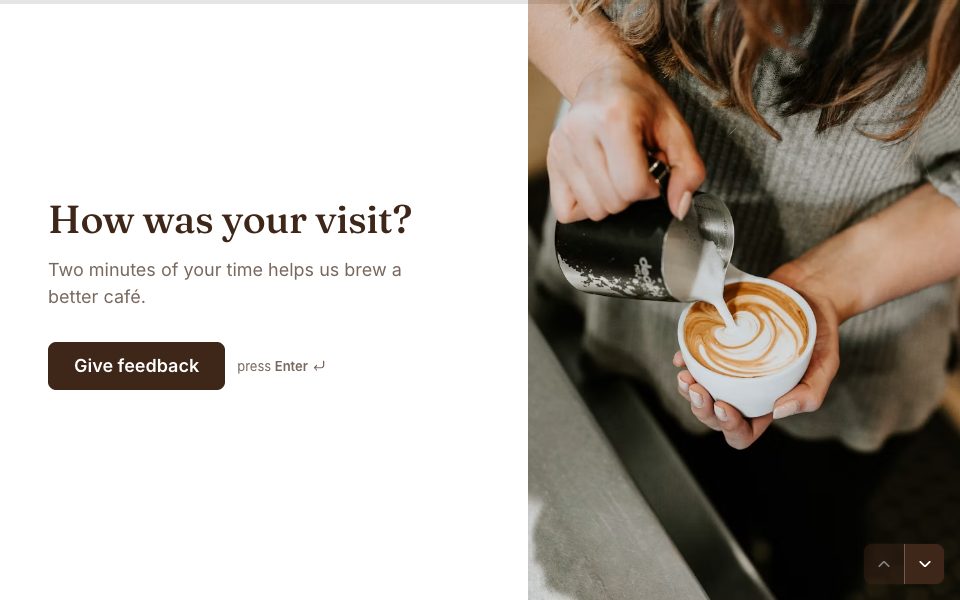
Get feedback · 4 questions
Customer feedback
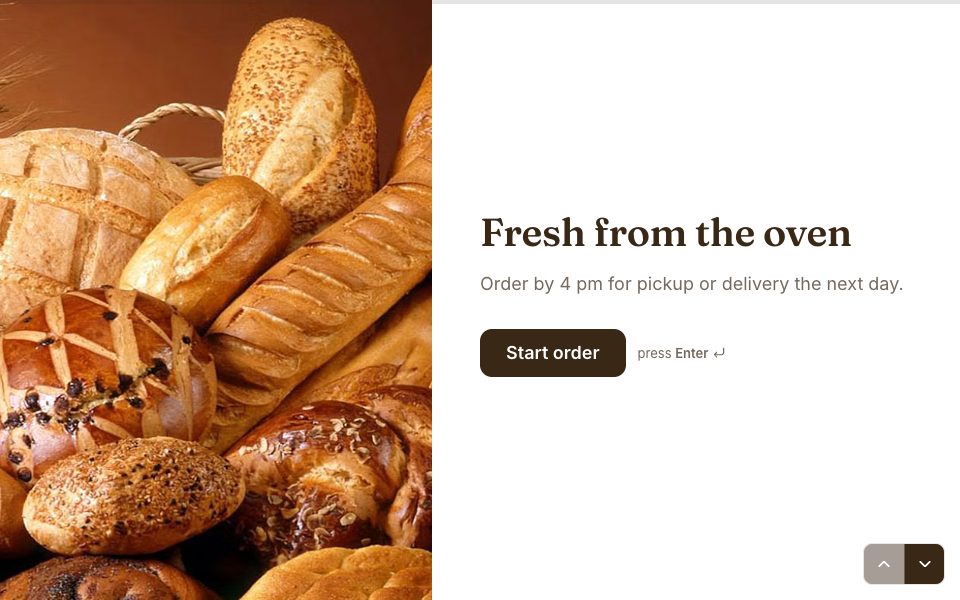
Make sales · 7 questions
Online order form

Plan events · 6 questions
Wedding RSVP

Recruit talent · 7 questions
Job application
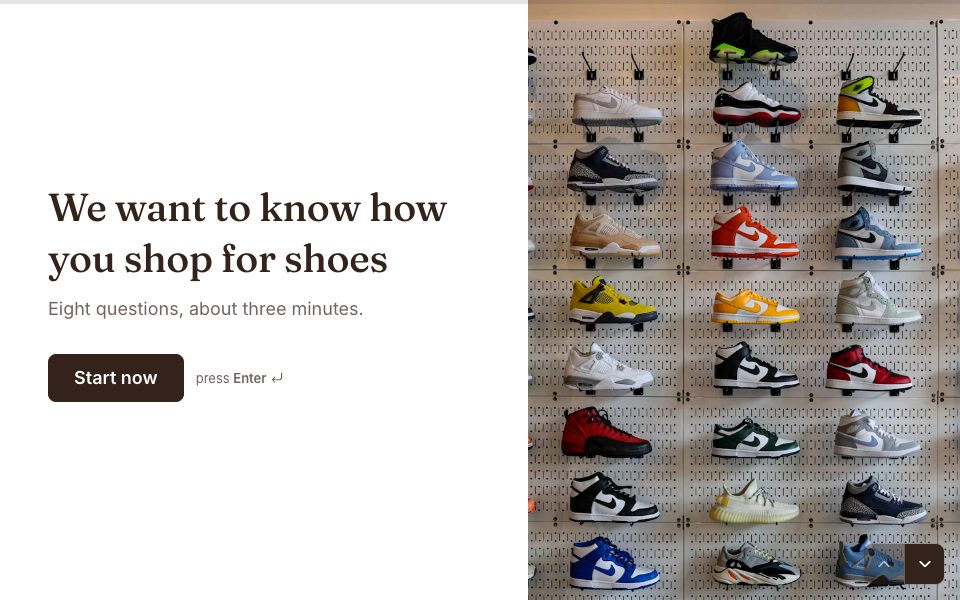
Conduct research · 7 questions
Market research

Get feedback · 3 questions
NPS survey

Plan events · 4 questions
Event registration
Meet Filo
Same Filo, different colour for each job.




Pricing
$0/month
$12/mo
FAQ
Yes. The Free plan gives you 3 active forms and 100 responses a month, with every question type, logic, themes and embeds. No card needed.
Your form politely stops taking new responses until the next month, and we email you. Nothing is deleted. Upgrade to Pro and it opens again straight away.
No counting or charging per form or response for normal business use. Our fair use policy explains the safety ceilings, and we raise them on request.
Yes, from Plan & billing. Pro stays on until the end of the period you’ve paid for, then your account moves to Free. Your forms and responses stay put.
Copy one snippet to embed it inline, as a popup, a slide-in panel or a side tab. You can also share a link with your own address, or print a QR code.
Yes, on Pro. Add a subdomain like forms.yourbrand.com, create one CNAME record, and we issue the HTTPS certificate. How custom domains work.
We store their answers for you and nothing more: no IP addresses and no tracking cookies on public forms. You can export or delete responses whenever you like.
Polar is our merchant of record. They handle checkout, invoices and sales tax, and you manage your card and plan from their customer portal.
Make your first one in minutes. It’s free, and the crew is waiting.
Start free →