Support & operations · Form template
Ask us anything template
Let people ask questions in their own words, and use them to build better help content.
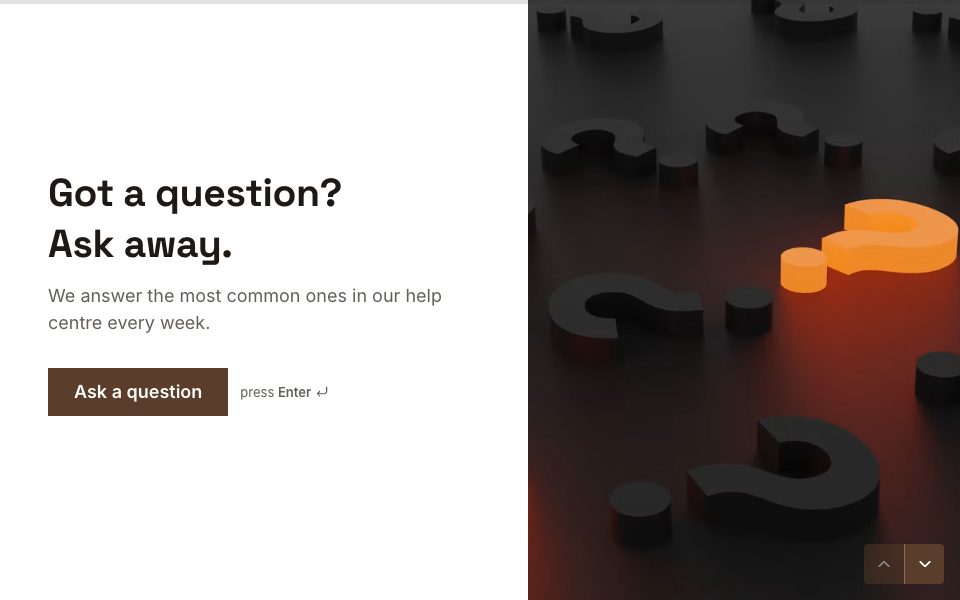
Try it before you use it
This is the real form. Answer it like your respondents would; nothing you type is saved.
1 →
What’s it about?
What’s in the ask us anything template
4 questions, one at a time. Edit, reorder or remove any of them.
-
01
What’s it about?
-
02
What’s your question?
-
03
Would you like a personal reply?
-
04
Where should we reply?
When to use the ask us anything template
Use it on a help or FAQ page so people can ask in their own words — and use what they ask to decide what to write next.
Tips for better answers
- Edit the topics to the sections of your help content.
- Keep ‘Would you like a personal reply?’. Many people are happy to see the answer published instead.
- Review the questions monthly; the most common ones are your next FAQ entries.
After the responses come in
Use Smart Insights to group the questions by theme, and post the ones wanting a reply to your support tool.
How to use this template
Step 1
Use the template
Sign up free and the template opens as your own copy.
Step 2
Make it yours
Edit the questions, swap the photo, set your colours and logic.
Step 3
Share it
Send the link, embed it on your site, or put it on your own domain.
FAQ
Ask us anything template, answered
Is the ask us anything template free?
Yes. The Ask us anything template is free on every plan. The Free plan includes 3 active forms and 100 responses a month, with no card needed.
Can I change the questions and design?
Yes. Click any text to edit it, add or remove questions, change the photos, colours and fonts, and add your own logic.
How long does it take to fill in?
About 2 minutes. It has 4 questions, shown one at a time.
Where do the responses go?
To your FormsAI results, with charts for each question. You can also export CSV or JSON, send them to Google Sheets, or on Pro post them to a webhook.
Can I put this form on my own website?
Yes. Embed it inline, as a popup or as a side tab, share a link or QR code, or on Pro, host it on your own domain.