Research · Survey template
Customer needs survey template
Understand what customers buy, how often, and what they wish was easier.
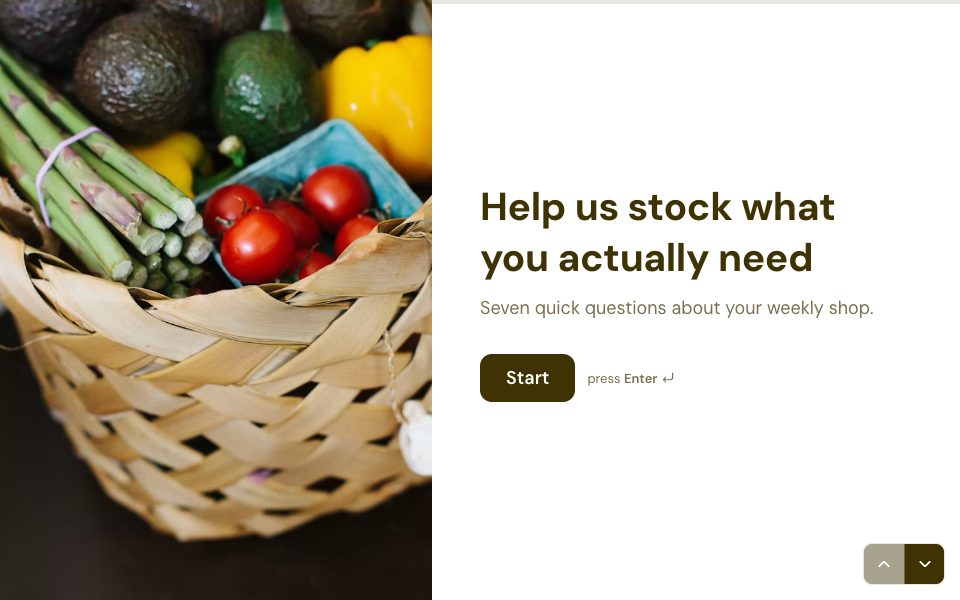
Try it before you use it
This is the real form. Answer it like your respondents would; nothing you type is saved.
1 →
First up, how old are you?
What’s in the customer needs survey template
8 questions, one at a time. Edit, reorder or remove any of them.
-
01
First up, how old are you?
-
02
How many people live in your home?
-
03
How often do you do a big shop?
-
04
Which do you buy most often?
-
05
How important is buying organic to you?
-
06
Where do you shop most?
-
07
What do you wish was easier to find?
-
08
Want 10% off your next shop as a thank-you?
When to use the customer needs survey template
Use it to understand what customers buy, how often and what they wish was easier — built for grocery, adaptable to any regular purchase.
Tips for better answers
- Edit the household and shopping questions to your category, but keep a question about frequency; it segments everything else.
- Keep the age question as ranges, not a number. People answer ranges more readily.
- End with ‘What do you wish was easier to find?’. The open answer often points at your next product.
After the responses come in
Filter Results by household size and shopping frequency to compare segments, and summarise the open answers with Smart Insights.
How to use this template
Step 1
Use the template
Sign up free and the template opens as your own copy.
Step 2
Make it yours
Edit the questions, swap the photo, set your colours and logic.
Step 3
Share it
Send the link, embed it on your site, or put it on your own domain.
FAQ
Customer needs survey template, answered
Is the customer needs survey template free?
Yes. The Customer needs survey template is free on every plan. The Free plan includes 3 active forms and 100 responses a month, with no card needed.
Can I change the questions and design?
Yes. Click any text to edit it, add or remove questions, change the photos, colours and fonts, and add your own logic.
How long does it take to fill in?
About 3 minutes. It has 8 questions, shown one at a time.
Where do the responses go?
To your FormsAI results, with charts for each question. You can also export CSV or JSON, send them to Google Sheets, or on Pro post them to a webhook.
Can I put this form on my own website?
Yes. Embed it inline, as a popup or as a side tab, share a link or QR code, or on Pro, host it on your own domain.
More research templates
See all


Use the customer needs survey template free.
Make it yours in minutes. No card needed.
Use this template