FormsAI + Outlook
Booking links that check your Outlook calendar, add every booking and create the Teams meeting.
What you can do
Busy times respected
Events on the Outlook calendars you tick block those slots.
Bookings in Outlook
New bookings are added to the calendar you choose and update when they move.
Teams meetings
A Teams link for every booking on work or school accounts.
Invites that update
Guests get an .ics invite that changes if the booking moves or is cancelled.
Ideas to start from
Client calls
A booking link for existing clients, unlisted on your booking page.
Interviews
An interview link with a buffer and a daily limit.
Team demos
A demo link with Teams meetings, linked from your pricing page.
How to connect Outlook
Open Calendars in the FormsAI app, then Apps.
Select Add account for Microsoft and sign in on Microsoft's page.
Turn on Check for conflicts for the Outlook calendars that should block bookings.
Under Add new bookings to, choose the calendar for new bookings.
Choose Microsoft Teams (or another meeting app) and share your booking link.
Free to start
Every plan includes this, Free too. 3 active forms and 100 responses a month, no card needed.
Compare plansTemplates that work with Outlook
All templates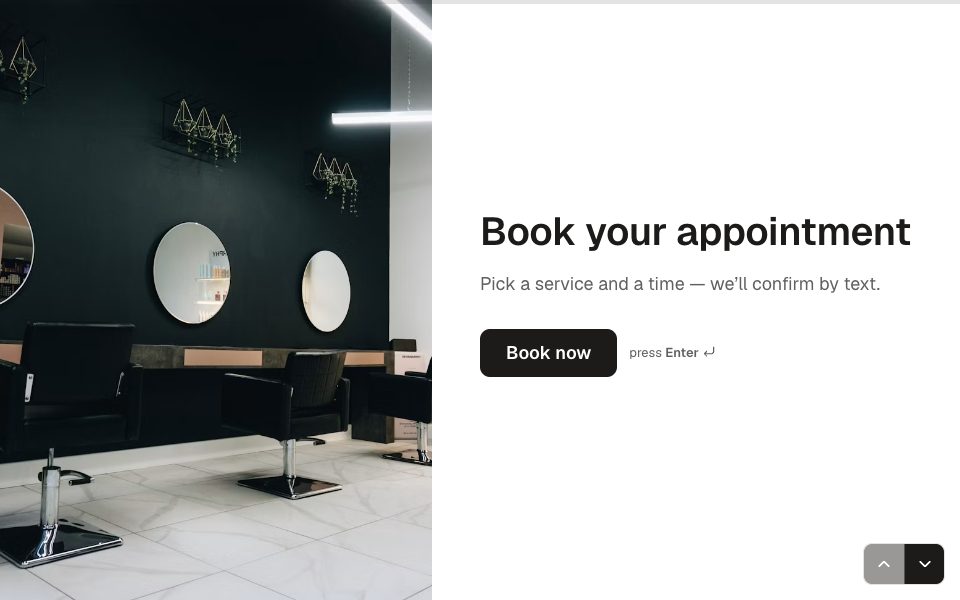
FAQ
FormsAI + Outlook, answered
Does it work with Microsoft 365?
Yes. Connect a Microsoft account; its Outlook calendars are used for conflicts and new bookings. Teams links need a work or school Microsoft 365 account.
Is it free?
Free includes three booking links and one connected calendar. Pro includes unlimited links (fair use) and up to six calendars.
Can I use Outlook and Google together?
Yes, on Pro, with up to six connected calendars. Busy times on any calendar you tick block bookings.
What do guests receive?
An email with the time in their zone, the join link, Google and Outlook calendar links and an .ics invite, plus a private link to reschedule or cancel.
Connect FormsAI to Outlook.
It's on every plan. Make your first form in minutes, no card needed.
Start free