FormsAI + Mailchimp
Grow your list with forms people enjoy, and tag every subscriber with what they told you.
What you can do
Subscribers from any form
Email and name go straight into the audience you choose.
Tags from answers
Tag people with the interest they picked or the result they got.
Quiz funnels
Score a quiz with logic and tag each subscriber with their result.
Consent first
A Checkbox or Legal question records that people agreed before you add them.
Ideas to start from
Newsletter sign-up
A short, friendly sign-up that asks what people want to hear about.
Newsletter sign-up templateLead magnet quiz
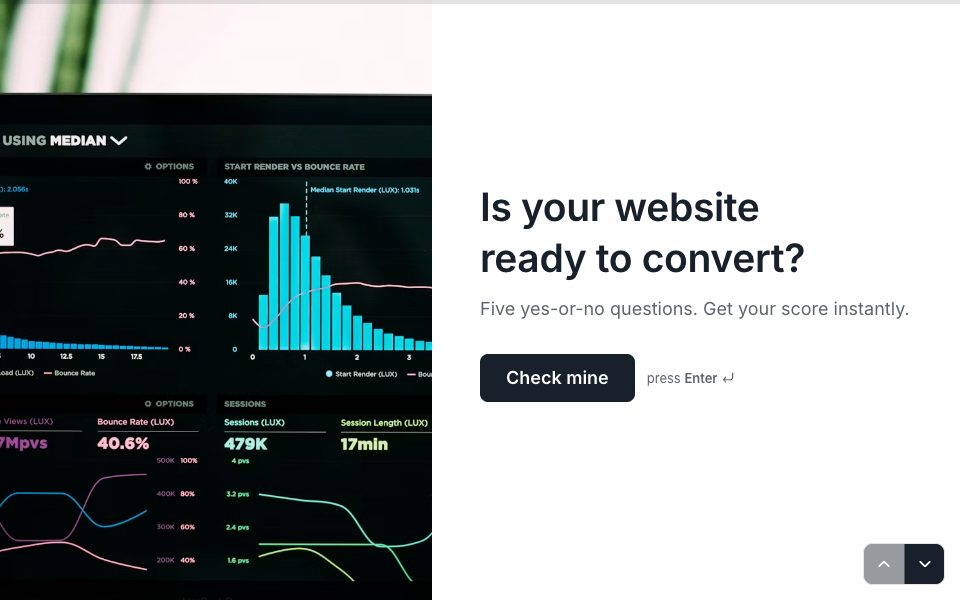
Give people a result they care about and tag them with it.
Website readiness check templateWaitlist
Collect early sign-ups into their own audience.
Product waitlist template
How to connect Mailchimp
Open Integrations in the FormsAI app, find Mailchimp and select Connect. Sign in on Mailchimp's own page and allow access.
Open a form's Results → Connect and select Add an action.
Pick Mailchimp and the account, then find the action: add or update list member (and add or remove member tags).
Fill in its fields with answers, using Insert an answer or ready-made values like the respondent's email or a link to the response.
Test it with your latest response, save, and it runs for every new completed response.
Build free, connect on Pro
Build and test your form on the Free plan. Actions run once you're on Pro: $12/mo billed yearly, with 5,000 action runs a month.
Compare plansTemplates that work with Mailchimp
All templates
FAQ
FormsAI + Mailchimp, answered
Does it handle double opt-in?
Mailchimp's own audience settings decide whether a new member must confirm. FormsAI adds or updates the member with the status your action sets.
Can I tag people differently by answer?
Yes. Map the tag field to an answer, such as the interest someone picked, so each subscriber gets the tag that fits.
Is the Mailchimp integration free?
Connected apps are part of FormsAI Pro ($12/mo billed yearly), with 5,000 action runs a month across your forms. On Free you can set actions up, but they don't run.
What happens if Mailchimp is down or rejects a response?
Temporary problems, like Mailchimp being busy, are retried automatically with longer waits. Problems that need you, such as an expired sign-in, stop and say why in Integration activity, where you can run it again. A response is never sent to the same action twice by itself.
Connect FormsAI to Mailchimp.
Pro is $12/mo billed yearly: unlimited forms and responses, 18 connected apps, webhooks and the API.
Get Pro