FormsAI + Squarespace
A Code block is all it takes to put a form on your Squarespace site.
What you can do
Beyond Squarespace's form block
Logic, payments, bookings, uploads and one question at a time.
Bookings on your site
A Scheduler question or a booking link, right on the page.
Payments to your Stripe
Deposits and orders, with no fee from FormsAI.
iFrame when needed
If scripts don't run, the iFrame mode needs none.
Ideas to start from
Photography bookings
Package, date and a deposit, on your portfolio site.
Photography booking templateClient intake
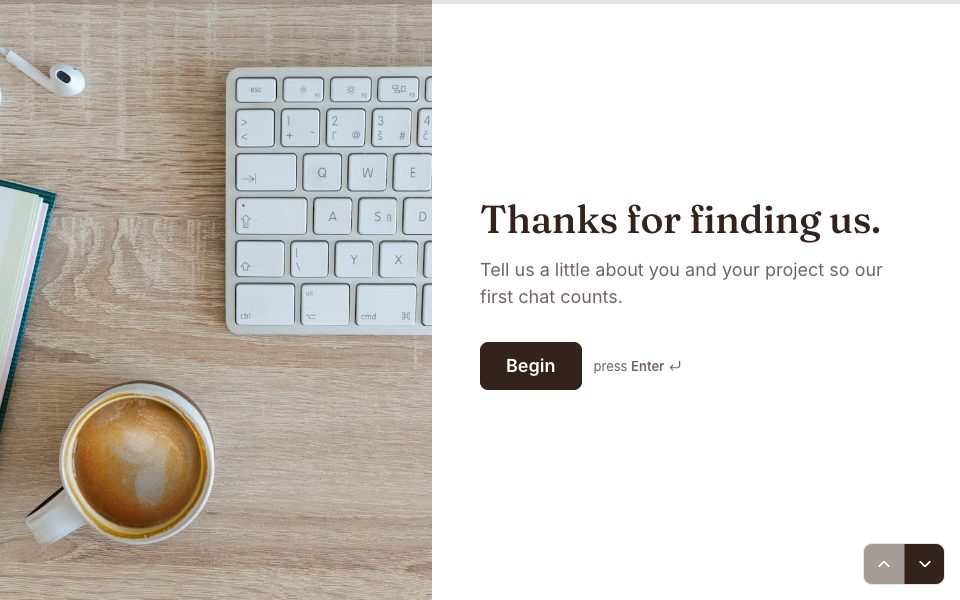
A consultation form before the first call.
Client consultation templateRSVP
Wedding or event RSVPs on your own site.
Wedding RSVP template
How to connect Squarespace
Publish the form, then open Share → Embed in a web page.
Pick an embed mode (inline, popup, slider, side tab or iFrame) and set the height or the button text.
Select Copy embed code.
In Squarespace, add a Code block where the form should appear and paste the code.
Publish your Squarespace page. Changes you publish to the form show up there by themselves.
Free to start
Every plan includes this, Free too. 3 active forms and 100 responses a month, no card needed.
Compare plansTemplates that work with Squarespace
All templates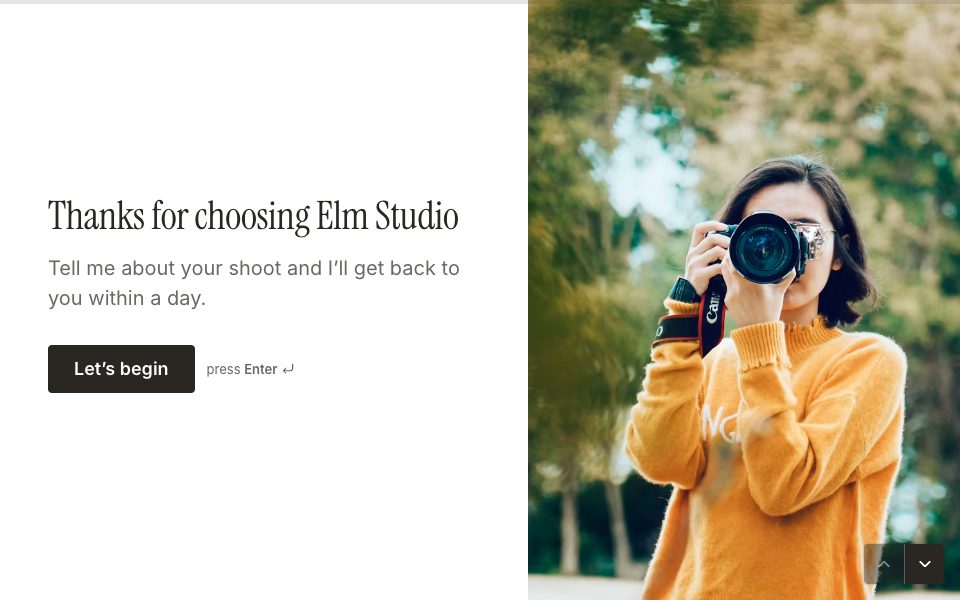

FAQ
FormsAI + Squarespace, answered
Why doesn't my embed show in Squarespace?
Some Squarespace plans and editors don't run scripts in Code blocks. Choose the iFrame mode in FormsAI, which needs no script.
Is embedding a form in Squarespace free?
Yes. Every embed mode works on every plan, Free included.
Will the form match my Squarespace site?
Pick a theme or set your own colours, fonts, corners and background in the Design tab. On Pro you can also upload your own font and add custom CSS.
Can people pay or upload files inside the embed?
Yes. Payments, file uploads, and camera and microphone answers all work inside embeds; the frame is allowed to ask for them.
Connect FormsAI to Squarespace.
It's on every plan. Make your first form in minutes, no card needed.
Start free